FRICK QUANTUM CONTROL PANEL
OPERATION
S90-010 O
Page 70
REAL TIME TRENDING - OPERATING STATUS VIEW
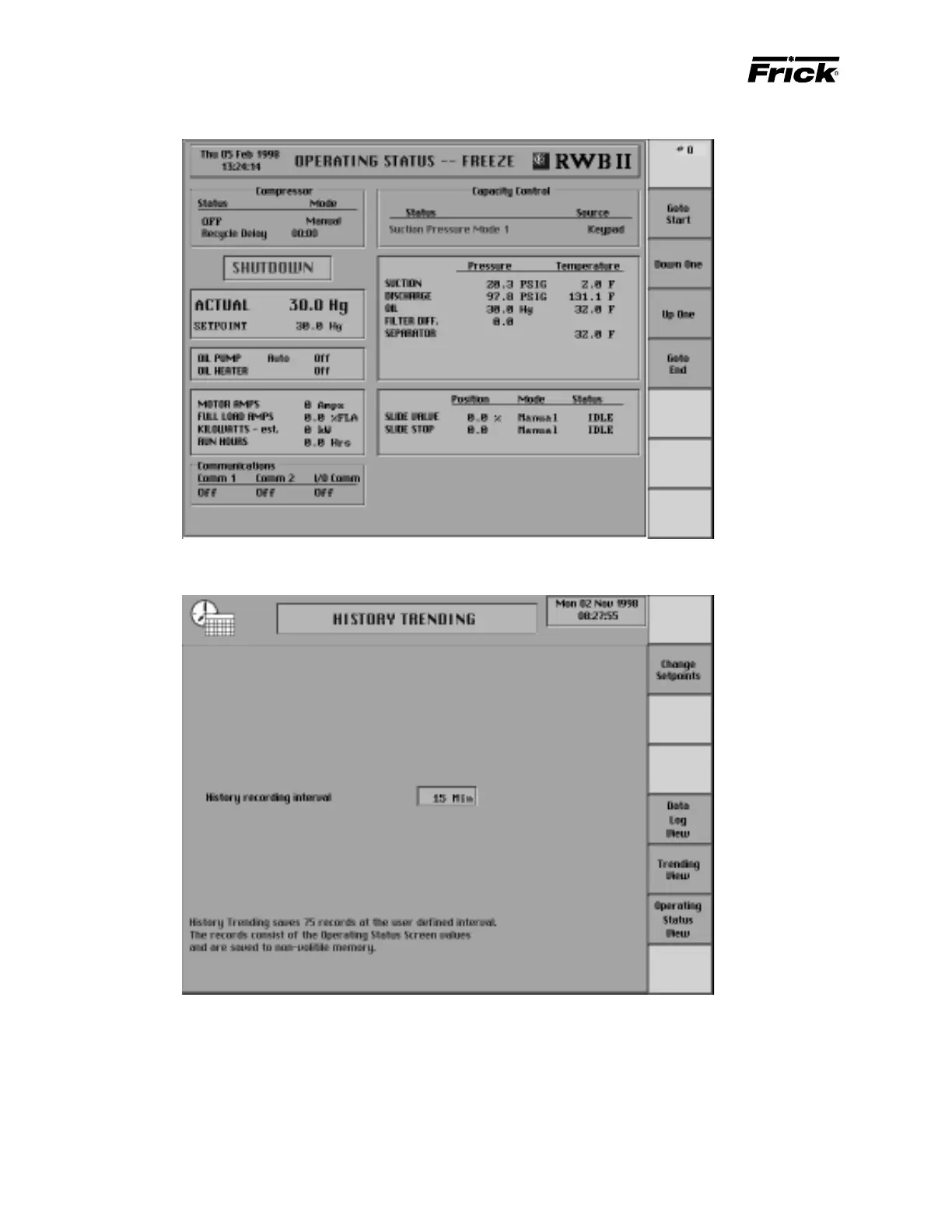
MAIN MENU SELECTION - “HISTORY TRENDING” SCREEN
History trending saves 75 recordings of the data items from
the “Operating Status” screen. History data is stored in
EPROM memory. EPROM memory is nonvolatile and all
information is retained even if the power to the panel is lost.
The frequency at which the data is saved can be selected.
The following setpoint is provided:
History recording interval – The time interval in min-
utes that defines how often the trending data values
are recorded. The time interval ranges from 15 min-
utes up to 60 minutes.
The following screen command keys are provided:
[Data Log View] – Accesses the “History Trending” Dis-
play for viewing the data in a tabular format.
[Trending View] – Accesses the “History Trending”
screen for viewing the data in a graphical format.



 To Next Page