FRICK QUANTUM CONTROL PANEL
OPERATION
S90-010 O
Page 60
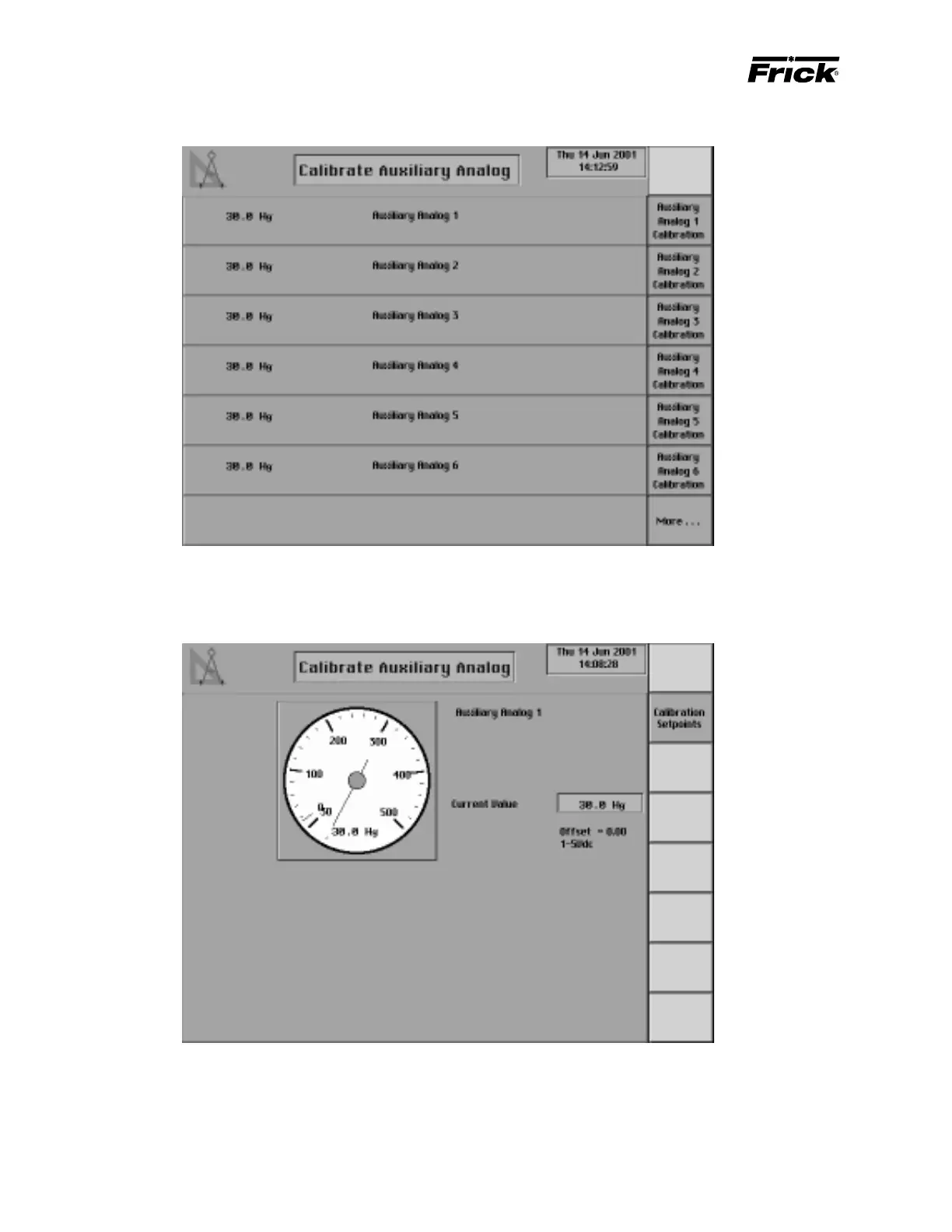
ANALOG CALIBRATION - ”Calibrate Auxiliary Analog” SCREEN
This shows if YORK S-7 was enabled as the compressor
type in Panel Setup. This screen is used to calibrate the
analog signal of the level input. Channel 13 on analog board
1 is used to monitor the liquid level.
This shows if “Auxiliary Analog Temperatures and Pres-
sures” was enabled in Panel Setup. This screen is shown
for the Auxiliary Analog Inputs. These inputs are switched to
either temperature or pressure in Factory Setup. The cur-
rent values of the auxiliary analogs are displayed on the
“Auxiliary Analog Temperatures and Pressures” screens
that are accessed from Control Setup.



 To Next Page