FRICK QUANTUM CONTROL PANEL
OPERATION
S90-010 O
Page 55
ANALOG CALIBRATION -
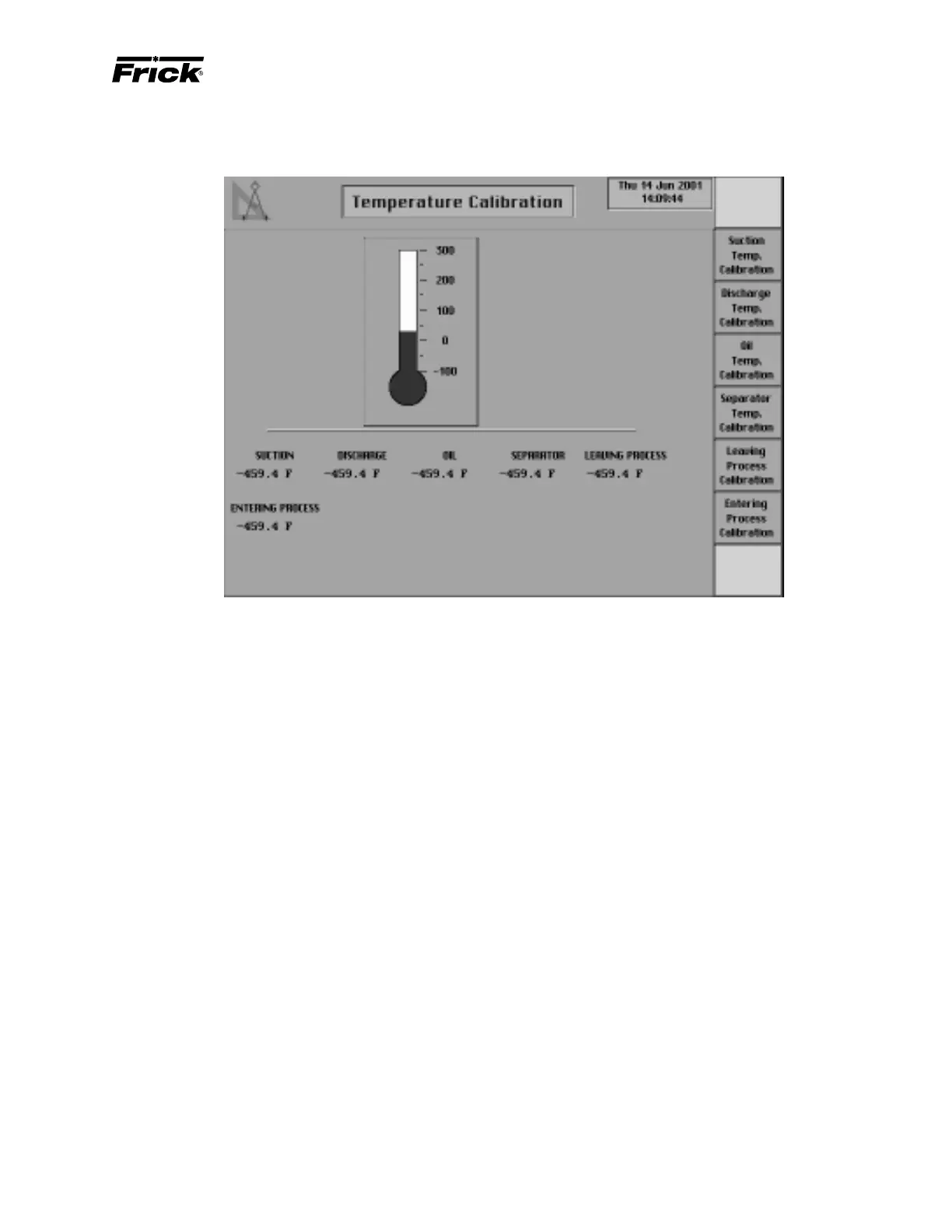
”Temperature Calibration” SCREEN
This display shows a thermometer and the current tem-
perature readings for:
• Suction
• Discharge
• Oil
• Separator
• Leaving Process (If Process Temperature Capacity
Control was enabled)
• Entering Process (If applicable, see Panel Setup)
The Setting for the “Current Value” is blank until a tempera-
ture for calibration is selected from the screen keys. A screen
key exists for each of the displayed temperature readings.
When a temperature calibration is selected, the identifica-
tion of the temperature measurement sensor and its set-
tings are shown. It is at this time that the thermometer will
also show the current reading. Select the [Calibration Set-
points] screen key to modify the present calibration.



 To Next Page