FRICK QUANTUM CONTROL PANEL
OPERATION
S90-010 O
Page 62
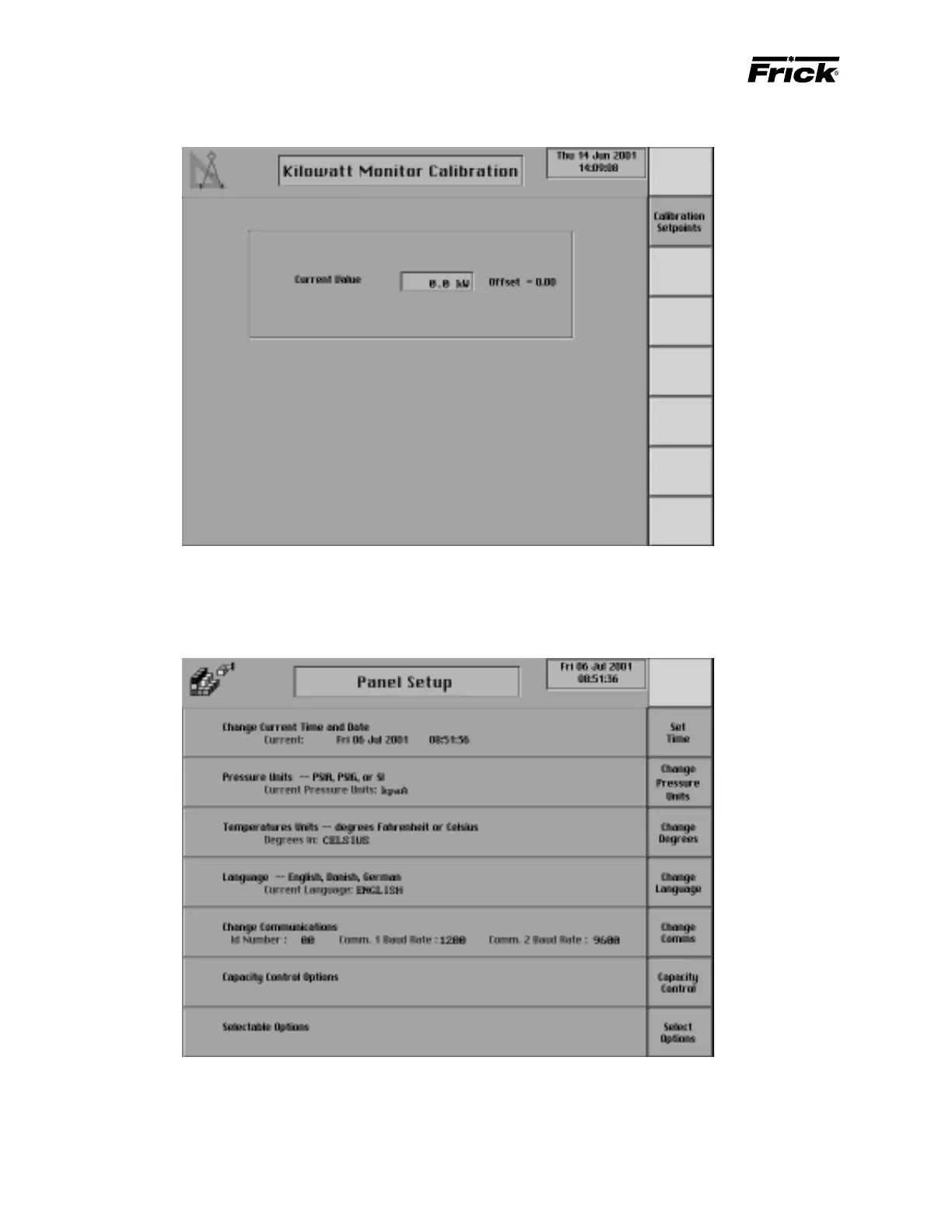
ANALOG CALIBRATION - ”Kilowatt Monitor Calibration” SCREEN
This shows if “Kilowatt Monitor Calibration and Setup” was
enabled in Panel Setup. This screen is shown for calibrating
MAIN MENU SELECTION - ”Panel Setup” SCREEN
• Language – English, Danish, German, Spanish, French
• Change Communications
• Capacity Control Options
• Selectable Options
The current setup is shown at the Panel Setup selection.
The following Panel Setup screens can be selected:
• Change Current Time and Date
• Pressure Units – PSIA, PSIG, or SI
• Temperature Units – degrees Fahrenheit or Celsius
the Kilowatt input. The current value of the kW Monitoring
analog input is displayed on the “Operating Status” screen.



 To Next Page