FRICK QUANTUM CONTROL PANEL
OPERATION
S90-010 O
Page 63
PANEL SETUP - ”Language – English,
Danish, German”
SCREEN
The other Panel Setup selections are removed from the
screen and the following screen selections are provided:
[Change to English]
[Change to Danish]
[Change to German]
[Change to Spanish]
[Change to French]
[Change to Other lang.]
PANEL SETUP -
”Change Communications” SCREEN
The following screen selections are provided:
[Change Setpoints] - Select this key to change the
panel ID number.
[Change to 19200 Baud] - A toggle key that changes
between the baud rates of 1200, 2400, 4800, 9600,
19200, 38400, 76800, and 115200 is provided for the
Comm2 setup.
[A-B Comm.] - A toggle key that provides a method of
selecting one protocol to communicate to the panel. This
key changes between enabling A-B(Allen-Bradley),
ModBus, York ISN, or Frick communication protocol. For
further setup reference publication S90-010 CS.
[Detect I/O Boards] - Select this key to detect all con-
nected Analog and Digital boards. If a board has been
removed a communication error shutdown will be is-
sued until this key is selected. Reference the “About”
display to view what was detected.
PANEL SETUP -
”Change Current Time and Date” SCREEN
The following screen keys are provided:
[Increase Minutes]
[Increase Hours]
[Increase Day]
[Increase Month]
[Increase Year]
[Decrease Year]
PANEL SETUP -
”Pressure Units — PSIA, PSIG, or SI”
SCREEN
The following screen keys are provided:
[Change to PSIA]
[Change to PSIG]
[SI Units]
[Change to BarA] (Bar Absolute)
[Change to Bar] (Bar Gauge)
[Change to KPAA] (KPA Absolute)
PANEL SETUP - ”Temperature Units —
degrees Fahrenheit or Celsius”
SCREEN
The following screen keys are provided:
[Change to Fahrenheit]
[Change to Celsius]
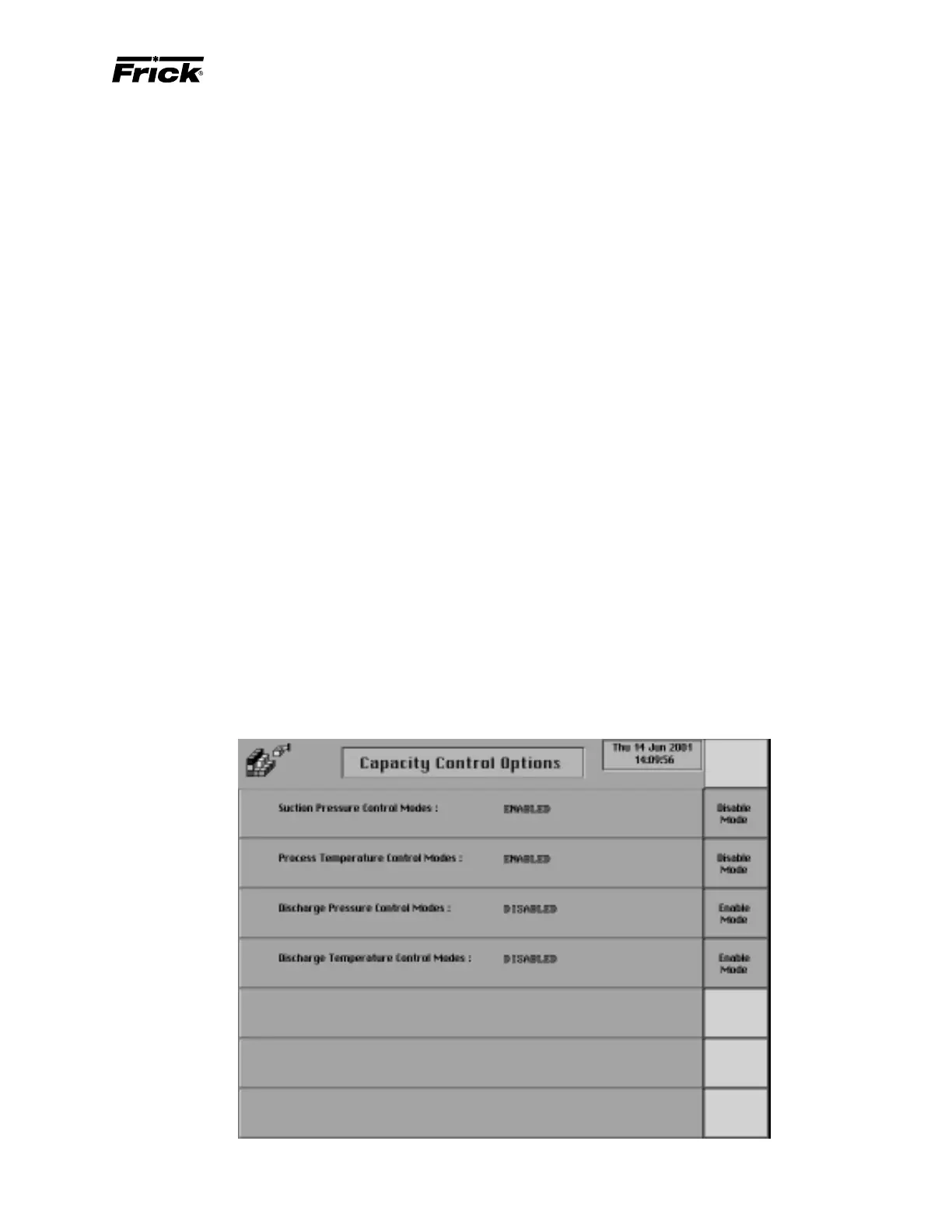
PANEL SETUP - ”Capacity Control Options” SCREEN



 To Next Page