FRICK QUANTUM CONTROL PANEL
OPERATION
S90-010 O
Page 71
[Operating Status View] – Accesses the “History Trend-
ing” Display for viewing the data as it was on the “Oper-
ating Status” display format.
“MAIN MENU” SCREEN - “Service Screen” SCREEN
The History Trending data is viewed the same as the Real
Time Trending data except that only 75 records are saved
and at a minimum time interval of every 15 minutes. Refer-
ence the “Real Time Trending” displays for a description of
the “Trending” displays.
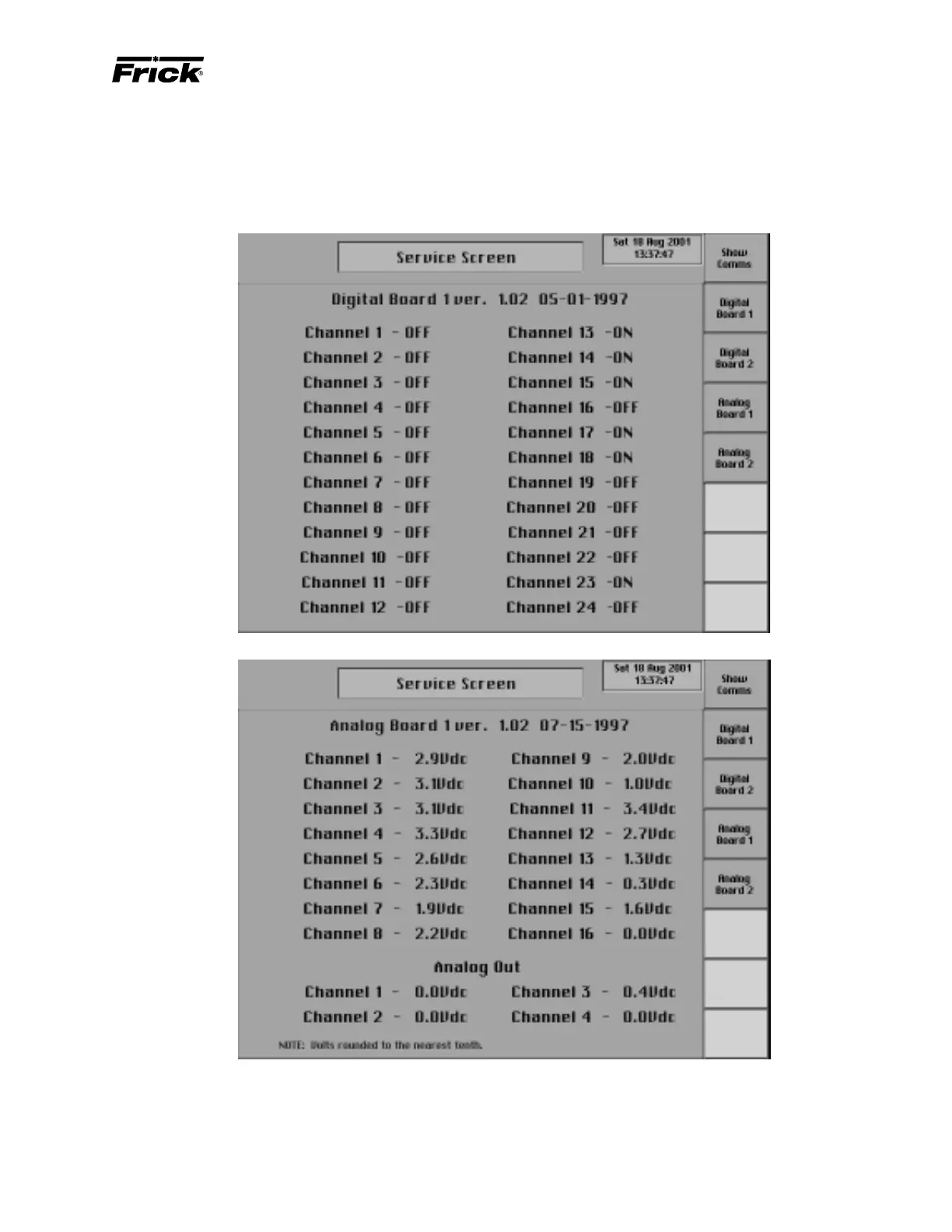
These screens have been provided to help the service tech-
nician. They can be accessed from the service screen. From
here the service technician can view communication data
that is transferred in and out of the Comm2 port or the raw
data from an analog or a digital board. Select the [Show
Comms] screen key to view a screen that is a snapshot of
the data transfer from the Comm2 communication port. There
are screen key selections to access the separate screens
for each of the analog and digital boards that are present.
Digital values are shown as ON or OFF. Analog values are
converted from binary to show volts. The error factor is +/-
.05 volts.



 To Next Page