44
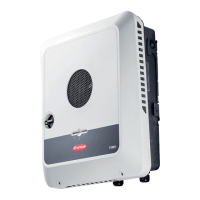
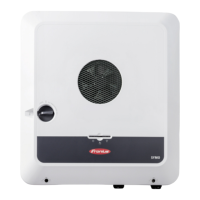
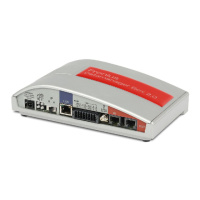
The inverter/Fronius Datamanager Box 2.0 establishes the WLAN Access Point. The
WLAN Access Point stays open for one hour.
Connect the end device to the WLAN Access Point
SSID = FRONIUS_240.xxxxx (5–8 digits)
- Search for a network with the name "FRONIUS_240.xxxxx"
- Establish a connection to this network
- Enter password 12345678
(or connect end device and inverter via Ethernet cable)
Enter in the browser:
http://datamanager
or
192.168.250.181 (IP address for WLAN connection)
or
169.254.0.180 (IP address for LAN connection)
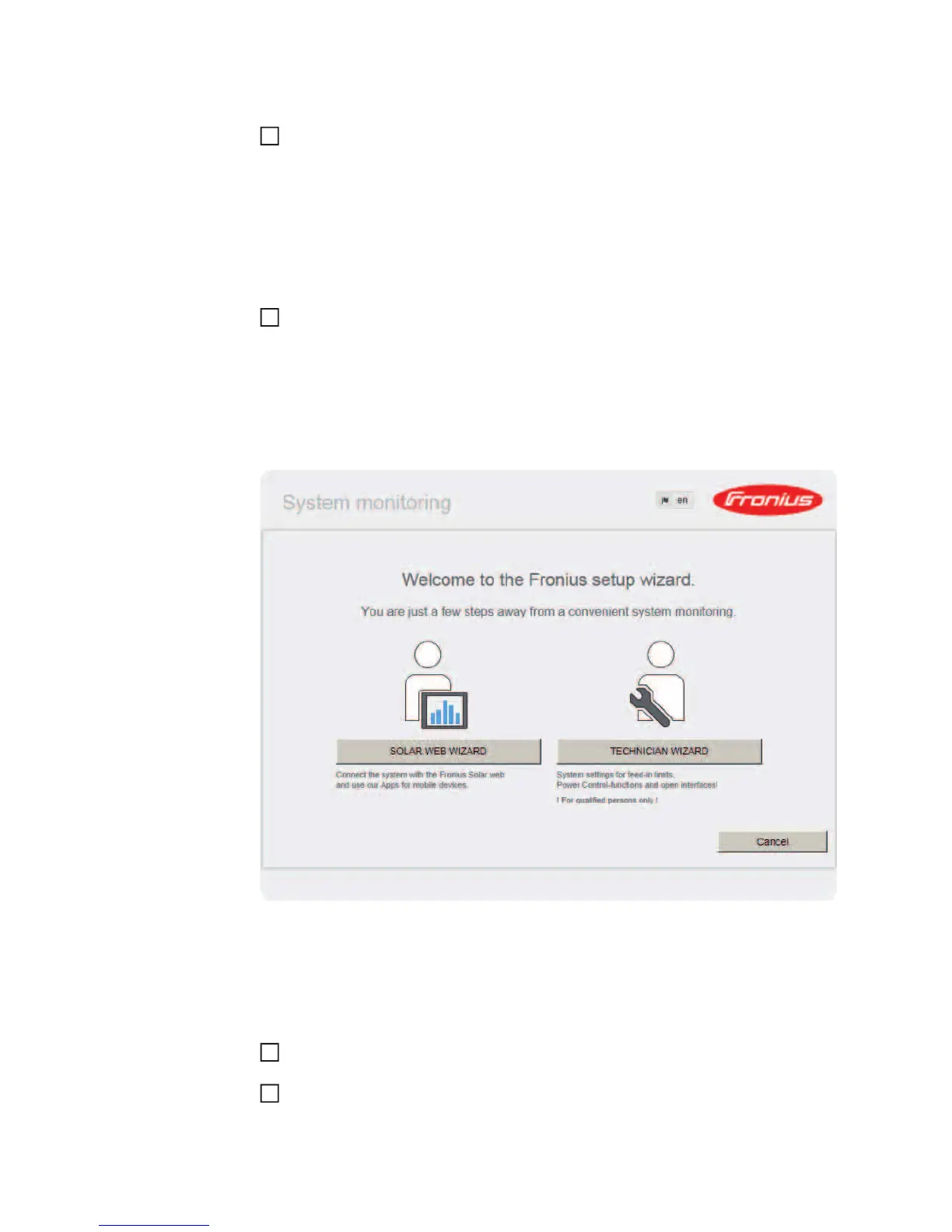
The start page of the Commissioning Wizard appears.
The Technician Wizard is designed for the installer and includes standard-specific settings.
If the Technician Wizard is run, it is essential to note down the assigned service password.
This service password is required to configure the UC Editor and Counter menu items.
If the Technician Wizard is not run, no specifications for power reduction are set.
The Solar Web Wizard must be run.
If necessary, run the Technician Wizard and follow the instructions
Run the Solar Web Wizard and follow the instructions
4
5
6
7






 To Next Page