13.3 LCD Initial Diagnostics Sequence
13.3 LCD Initial Diagnostics Sequence
LCD panel sequence
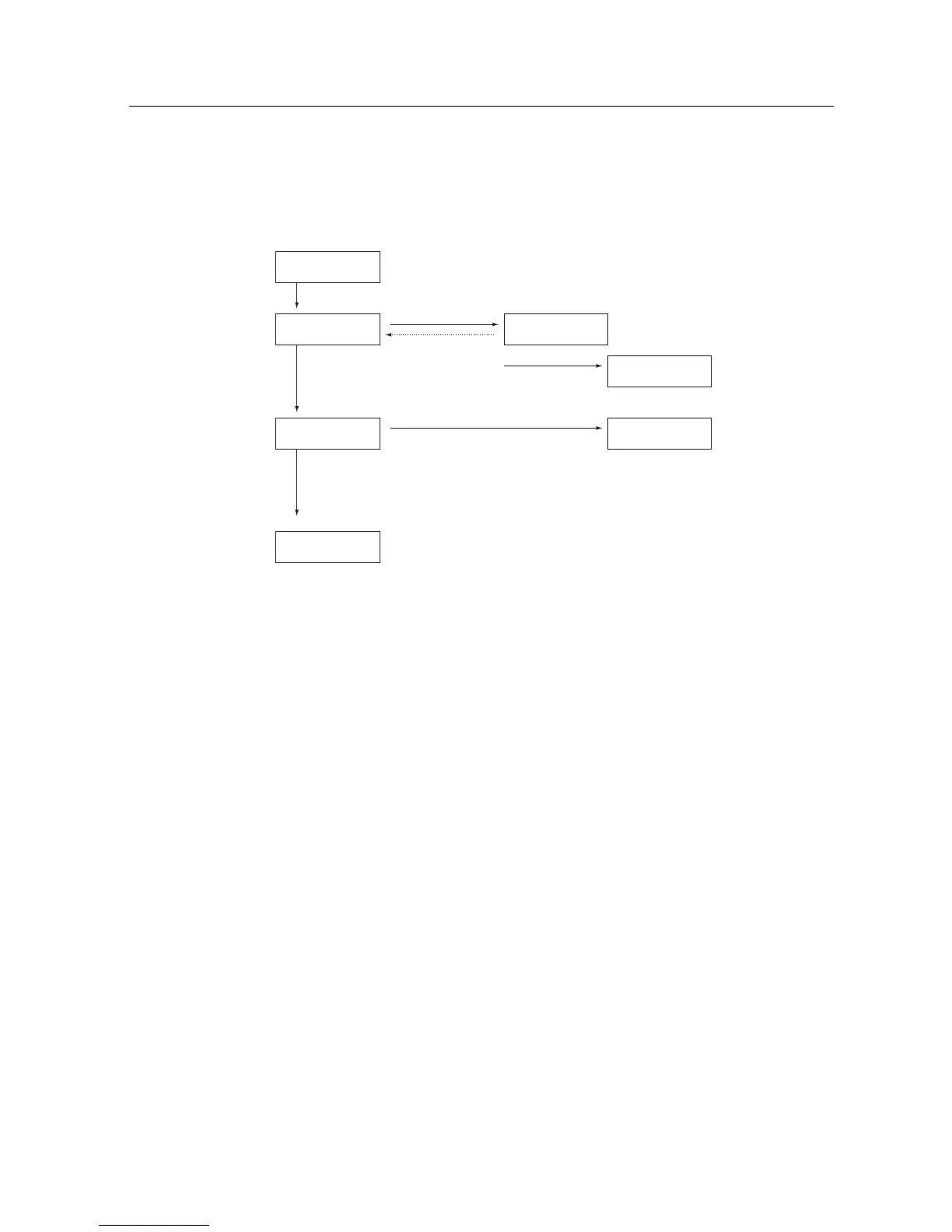
Figure 13.1 shows the major messages that are displayed on the LCD panel during the
PRIMEPOWER start-up process. These messages will appear in the order indicated.
SCF:initial
I/O Power on
POST:Executing#
test_name
OBP:Initializing
Just a moment
Operating System
POST:ERR########
Component
diagnostic alarm
diagnostic stop
POST:ERROR STOP
########: error code
OBP stop
OBP:STOP
check error logs
e.g. : Probing Memory
Probing CPU
Probing PCI
Scrubbing Memory
Booting
e.g. : RED state trap
Reset Switch
Figure 13.1 Initial Diagnostics Sequence
If power-on processing does not start after the power switch is turned on, check that the power cable
is properly connected to the AC power inlet, and that the MODE switch is set to SECURE.
233



 To Next Page