63
PRIMERGY RX100 S2 User’s Guide
1
2
3
4
5
6
7
9
8
OS Installation Using ServerStart
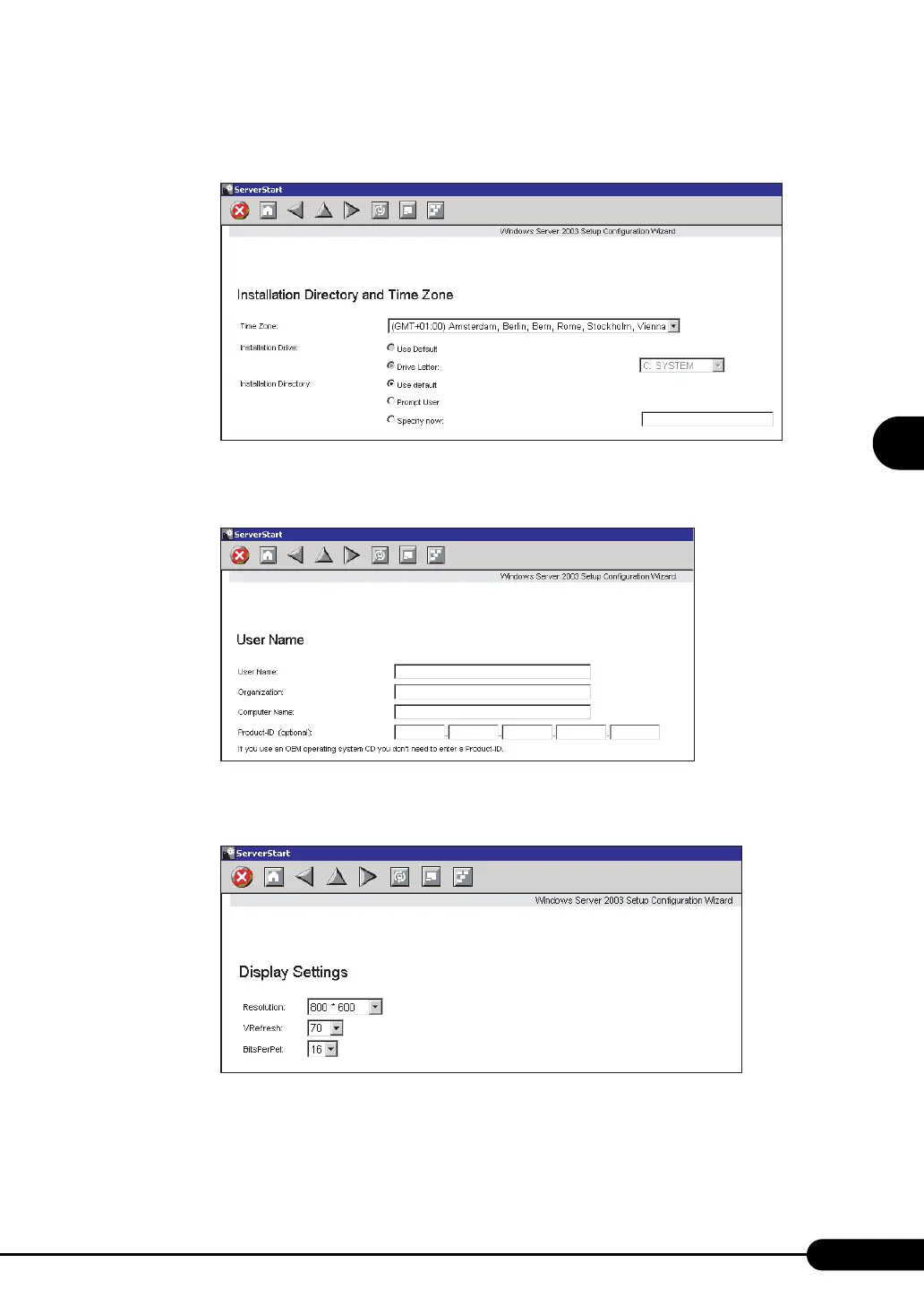
3 Set items and click [Next].
The [Installation Directory and Time Zone] window appears.
4 Set items and click [Next].
The [User Name] window appears.
5 Set items and click [Next].
The [Display Settings] window appears.



 To Next Page
 Loading...