FC4 / FC4 Ex (HS) connected with Mobility Server
55
GB
and for the «messages» entry a list with:
• ring tone ;
• vibrator
1
;
• ilumination ;
O K
or
O K
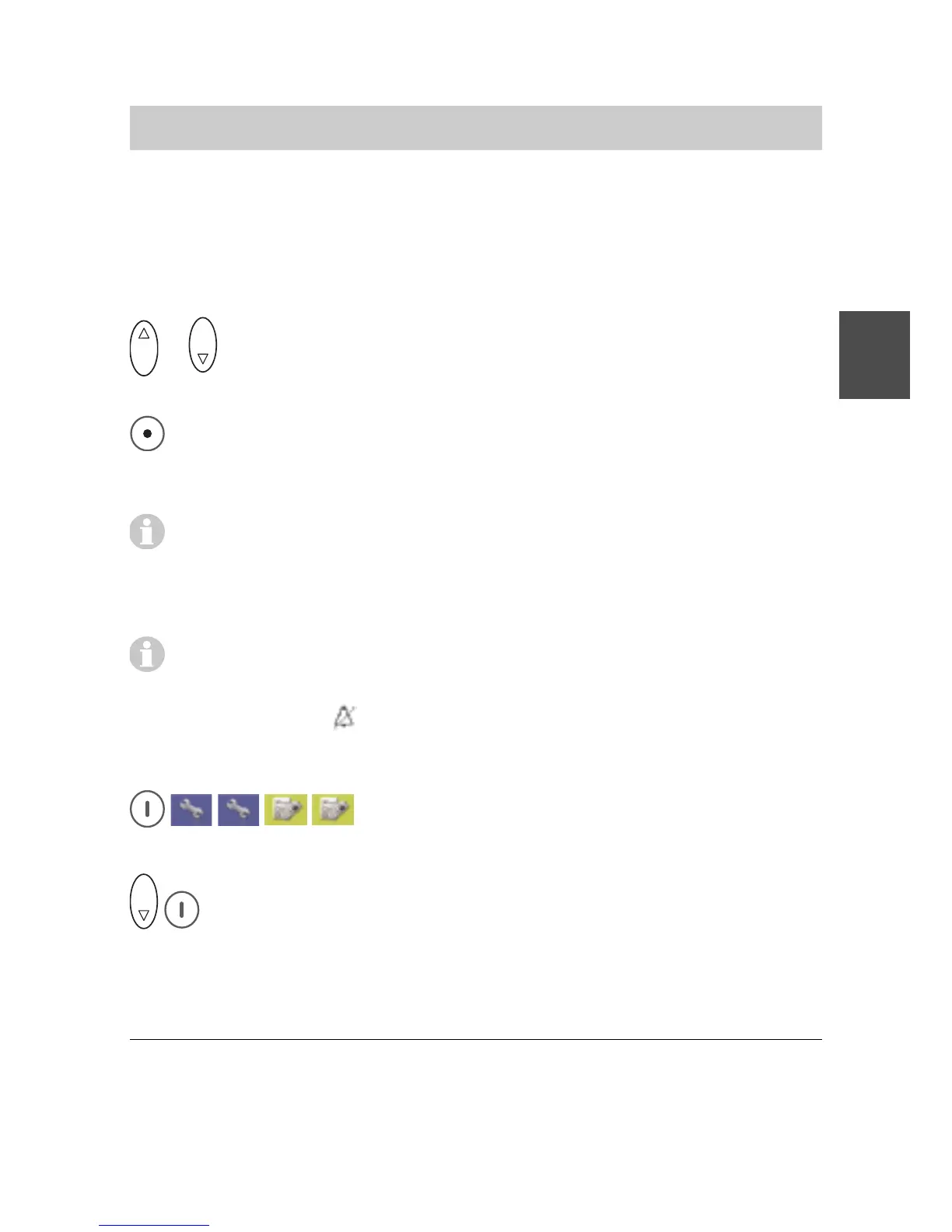
Using the Up and Down arrows of the selector key, select one
of the lines.
Switch the signalling functions by «Ring tone», «Vibrator» or «Illumi-
nation» on or off with the right softkey [Change] (by means of
Checkbox ; or ).
Moreover, when the «Ring tone» or «Vibrator» functions are
activated, the signal length can be changed between single
signalling and continuous signalling until the call is answered or
cancelled.
As soon as only one of the acoustic signallings (ring tones) is
switched off, the header line of the idle display shows the crossed-
out bell symbol
.
Audio settings > Headset (acoustic call signalling)
Call up Menu > Setup > Phone settings, then
....... Call up the «Audio settings» entry.
O K
Select the «Headset» entry and call it up with the right softkey
[OK].
Phone Settings
1
Your handset will not vibrate while being placed in the charger. If you
have selected vibration as a call signal, the ring tone sounds briefly
(short ring tone) when a call is received.



 To Next Page