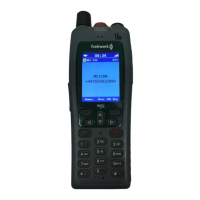
FC4 / FC4 Ex (HS) connected with Mobility Server
58
GB
O K
or
O K
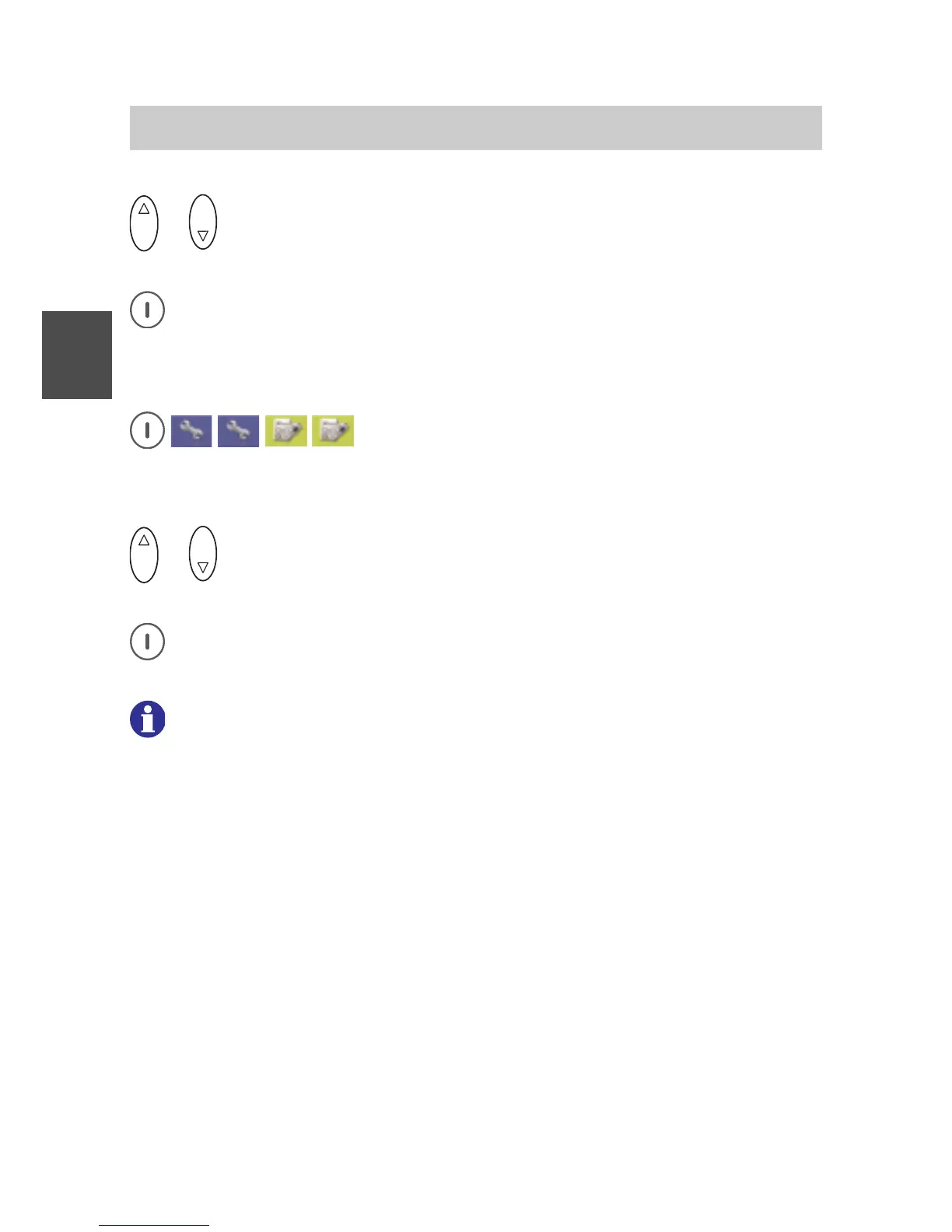
Using the Up and Down arrows of the selector key, select an
entry.
Accept the new setting with the right softkey [OK]. The display goes
back to the «Illumination duration» entry.
Display settings > brightness (setup)
Call up Menu > Setup > Phone settings, then
....... Call up the «Display settings» entry.
....... Call up the «Brightness» entry.
O K
or
O K
Using the Up and Down arrows of the selector key, set the
brightness.
Accept the new brightness setting with the right softkey [OK]. The
display goes back to the «Brightness» entry.
6 1 2
If you wish to achieve particularly long handset operating times with
one battery charge, we recommend the following settings, according
to your personal requirements:
• Switch off keyboard illumination.
Keyboard illumination is required only in darkness.
• Switch off idle illumination.
The display illumination goes out as soon as the pre-set
illumination duration time has elapsed after the last key was
pressed. After pressing any key, the display illumination lights up
again during the pre-set illumination period.
• Reduce the illumination duration.
After the illumination duration has elapsed, the display
illumination goes out or is reduced to the idle illumination.
• Reduce the brightness.
Phone Settings



 To Next Page