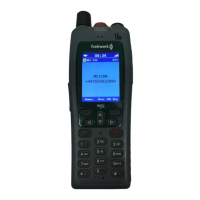
FC4 / FC4 Ex (HS) connected with Mobility Server
60
GB
Phone Settings
When «Send detach» is activated, the handset logs off from the
Mobility Server as soon as it goes to the “Silent charging” condition
or is switched off. The person calling now gets the “NE” signal
(NE = cannot be reached).
Phone behaviour > behaviour in charger
Call up Menu > Setup > Phone settings, then
....... Call up the «Phone behaviour» entry.
....... Call up the «Behaviour in charger» entry.
O K
or
O K
Using the Up and Down arrows of the selector key, select the
«End call» or «Handsfree» entry.
Accept the new setting with the right softkey [OK]. The display goes
back to the «Behaviour in charger» entry.
Phone behaviour > automatic answer (automatic hook off)
Call up Menu > Setup > Phone settings, then
....... Call up the «Phone behaviour» entry.
....... Call up the «Auto answer» entry.
O K
or
O K
Using the Up and Down arrows of the selector key, select the
radio button «No» or «Yes» for «Automatic Off-hook».
Accept the new setting with the right softkey [OK]. The display goes
back to the «Auto answer» entry.
Language > handset language (handset menus)
Call up Menu > Setup > Phone settings, then
....... Call up the «Language» entry.
....... Call up the «Handset language» entry.



 To Next Page