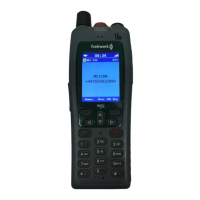
FC4 / FC4 Ex (HS) connected with Mobility Server
62
GB
Phone Settings
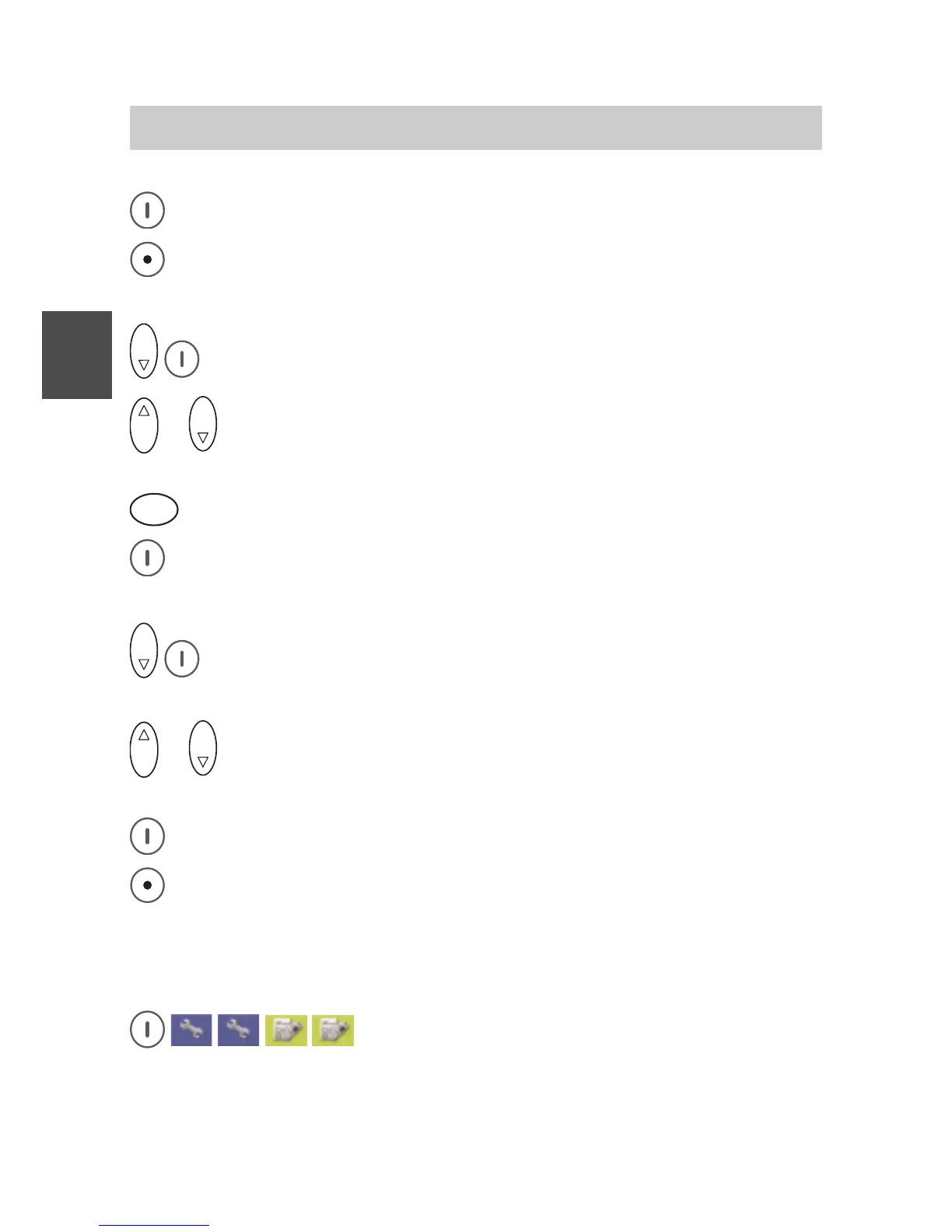
Accept the new time setting with the right softkey [OK].
Go back by pressing the left softkey briefly.
O K
Select the «Date» entry and call it up with the right softkey [OK].
O K
or
O K
Using the Up and Down arrows of the selector key, select the
position of the date input field to be changed.
5
J K L
... Enter new data with the number keys.
Accept the new date setting with the right softkey [OK].
O K
Select the «Date format» entry and call it up with the right softkey
[OK].
O K
or
O K
Using the Up and Down arrows of the selector key, select a date
format.
Accept the new date format setting with the right softkey [OK].
Go back one level to the «Date / Time» entry by briefly pressing the
left softkey or go back to the basic condition by pressing the left
softkey long.
Emergency number > I55 (setting up an emergency call number)
Call up Menu > Setup > Phone settings, then
....... Call up the «Emergency number» entry.



 To Next Page