7. OTHER FUNCTIONS
7-9
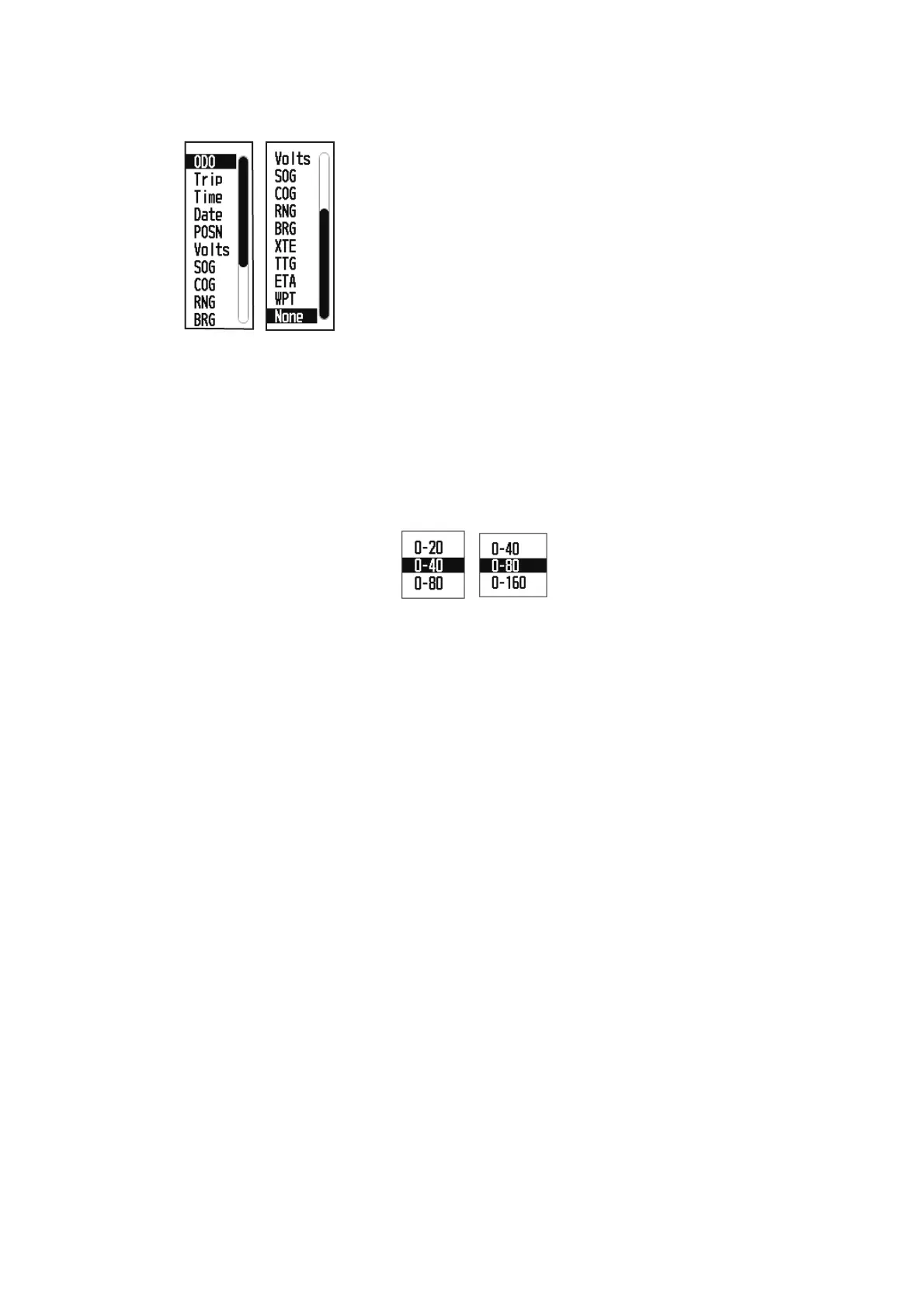
2. Operate the cursorpad to select the column to select data, and press the ENT/
CNTR key.
3. Select the item to show, and press the ENT/CNTR key.
4. Repeat steps 2 and 3 for other displays if necessary.
Speedometer
When choosing [speedometer], you can select the range for the speedometer to
show on the User display 1 or 2.
㪧㪸㪾㪼㩷㪈
㪧㪸㪾㪼㩷㪉
ODO: Odometer distance
Trip: Trip distance
Time: Time
Date: Date
POSN: Position
Volts: Power voltage
SOG: Speed over ground
COG: Course over ground
RNG: Range
BRG: Bearing
XTE: Cross-track error
TTG: Time to go
(to destination)
ETA: Estimated time to
arrival (to destination)
WPT: Range and bearing
to waypoint
None: No display



 To Next Page