Title Transportation Modes
Identifier GUID-9269975E-8B82-43FF-89F5-1A7921DFDEC5
Language EN-US
Description
Version 10
Revision 5
Changes Updated the warning based on legal feedback. Added the Other profile, plus trailers.
Status Released
Last Modified 15/10/2021 09:21:13
Author mall
Vehicle Profiles
WARNING
Entering your vehicle profile characteristics does not guarantee that your vehicle’s characteristics will be
accounted for in all route suggestions. Limitations may exist in map data for some route suggestions. Always
defer to all posted road signs and conditions during vehicle operation. Failure to do so could lead to an accident
involving personal injury or death.
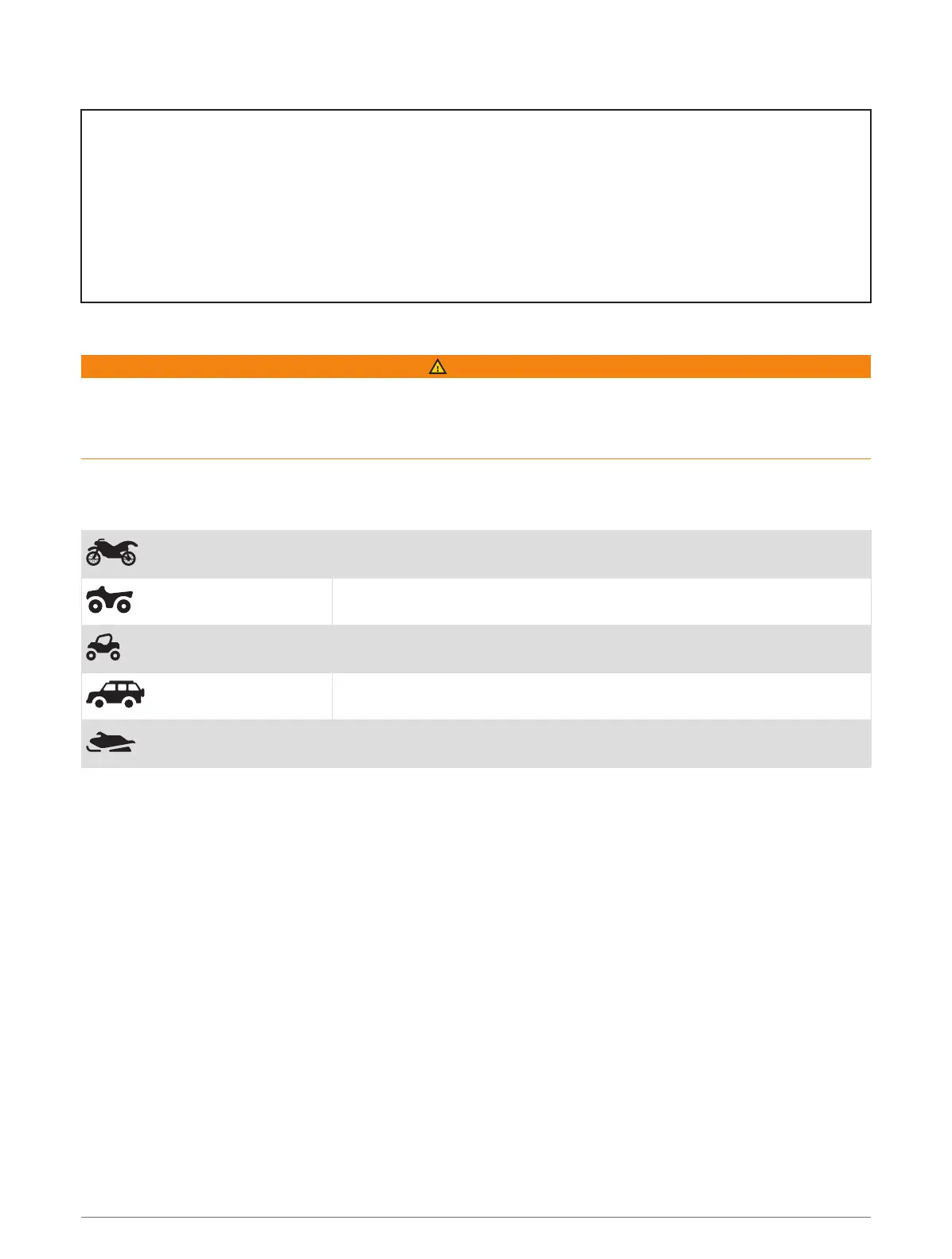
Vehicle profiles allow you to choose different settings based on each vehicle you use with the device. The
current vehicle profile is indicated by an icon in the status bar. If your vehicle profile includes a trailer, an icon of
the trailer appears with the vehicle icon.
Motorcycle profile
ATV profile
Side-by-side profile
Full size profile
Snowmobile profile
Getting Started 7














 To Next Page