Title Replacing the Trim Ring
Identifier GUID-427F5D95-A609-4999-9965-F0041D228B95
Language EN-US
Description
Version 1
Revision 11
Changes
Status Released
Last Modified 25/11/2020 10:37:15
Author hizerdanielle
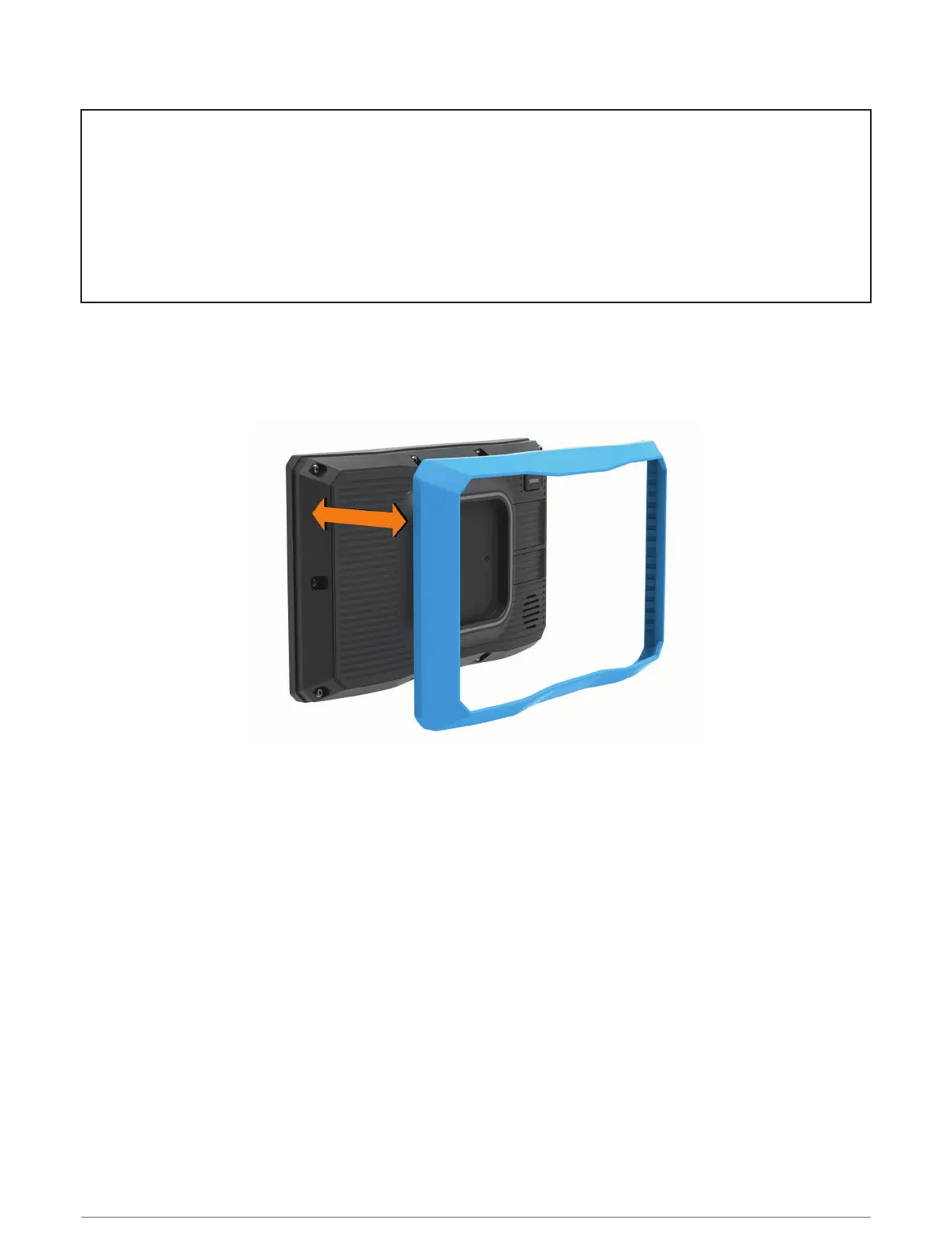
Replacing the Trim Ring
You can replace the trim ring on your device with one of the included, colored trim rings.
1 Remove the device from the mount.
2 Pull back on the existing trim ring to remove it from the device.
3 Place the new trim ring on the device and snap it into place.
18 Installation














 To Next Page