Title Opening the Front Cover
Identifier GUID-0E136B7B-FB4D-4EDC-8763-65807365F237
Language EN-US
Description
Version 1
Revision 5
Changes
Status Released
Last Modified 27/07/2020 15:19:00
Author mall
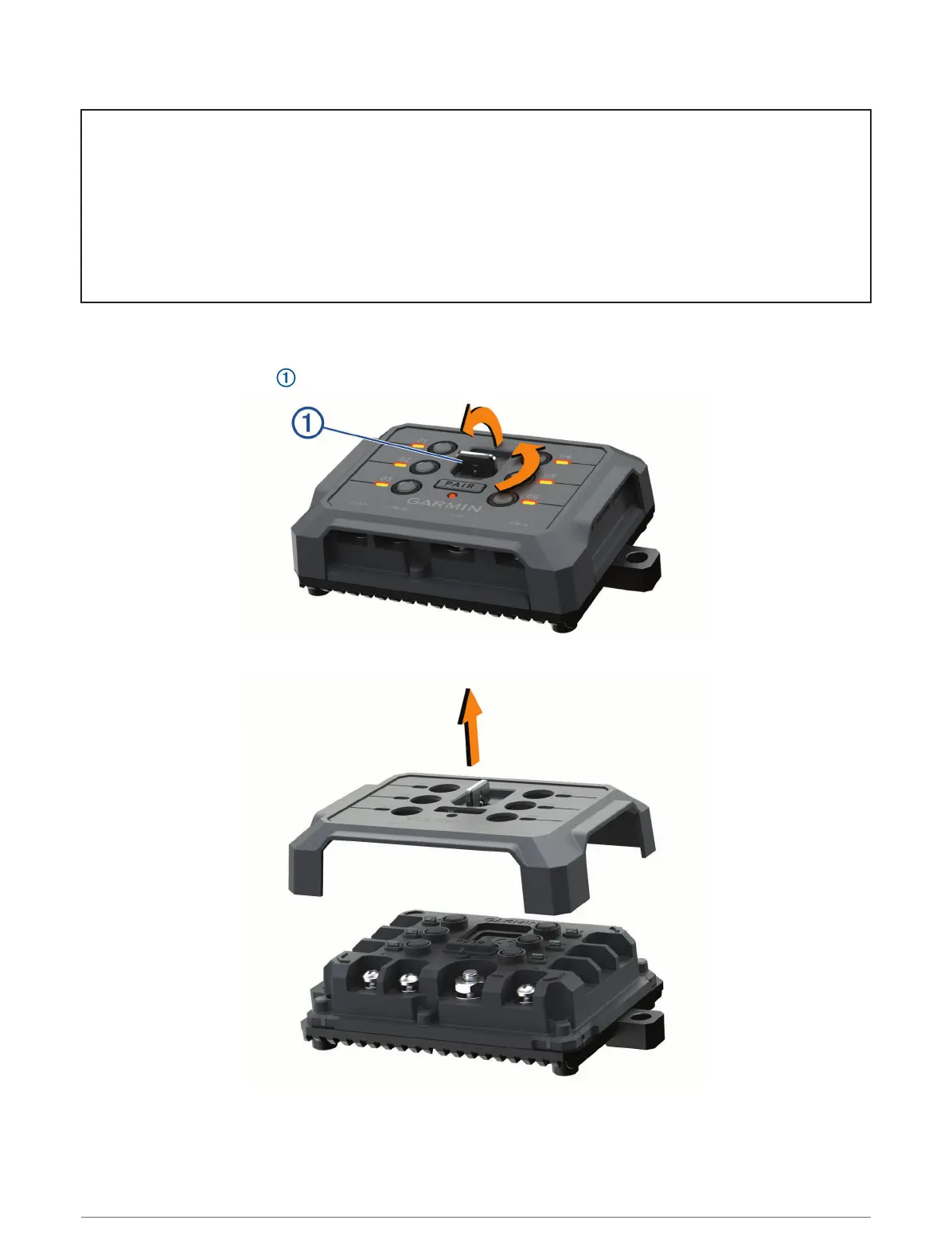
Opening the Front Cover
You must open the front cover to make electrical connections.
1 Lift the front cover latch and rotate it counter-clockwise.
2 Pull the front cover off of the device.
152 Appendix














 To Next Page