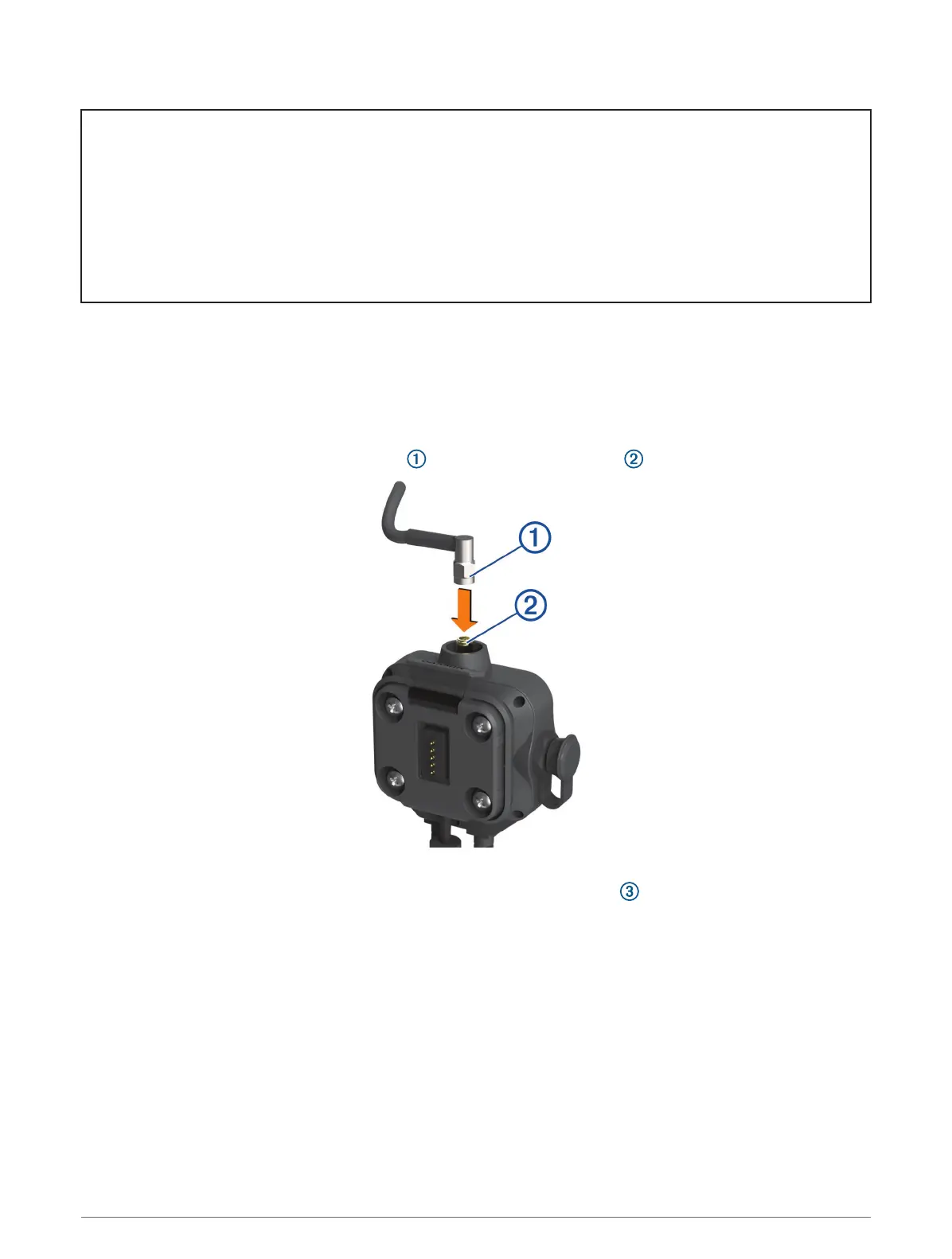
Title Relocating the Antenna
Identifier GUID-F703933D-99ED-4A12-A920-2325A9CB69C0
Language EN-US
Description
Version 3
Revision 1
Changes No English changes. Version to fix HU
Status Released
Last Modified 12/05/2021 08:16:38
Author pullins
Mounting the Antenna
NOTE: The mounted antenna must be at least 4 cm (1.57 in.) away from the nearest roll bar or metal surface to
avoid radio interference.
You can use the external antenna mount to mount your antenna in a more suitable location for your vehicle,
such as a roll bar at the rear of your vehicle, to receive better radio reception. For the best results, use this
method for vehicles that have a roll cage.
1 Screw down and tighten the antenna cable onto the Group Ride mount .
2 Find a suitable location for the antenna.
3 Using a flat head screwdriver or
5
/
16
in. (8 mm) nut driver, loosen the bolt on the external antenna mount
until the ring separates.
Installation 13














 To Next Page