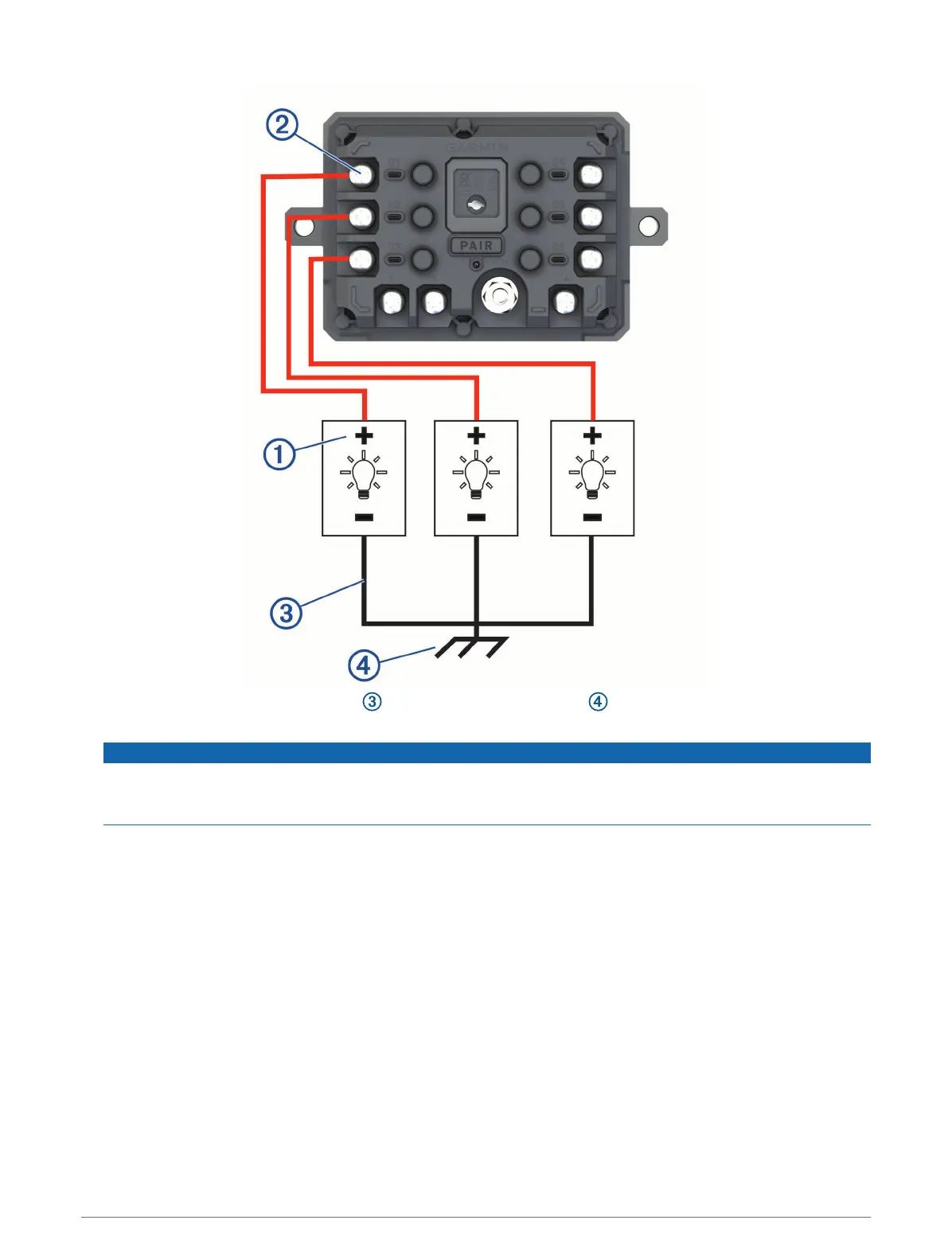
2 Connect the negative or ground wire to an unpainted ground stud on the vehicle frame, to a ground
distribution block, or directly to the negative terminal on the battery.
NOTICE
Do not connect the accessory ground wires to the ground terminal (GND) on the Garmin PowerSwitch
device. Failure to heed this notice could result in personal or property damage, or negatively impact device
functionality.
3 Verify that all electrical connections are tight and will not come loose during use.
154 Appendix














 To Next Page