88
www.gateway.com
Chapter 7: Using the Optional Port Replicator
Connecting to the port replicator
You can attach your notebook to the port replicator while your notebook
is off, on, or in Standby mode.
Attaching to the port replicator
To attach your notebook to the port replicator:
1 Connect external devices to the ports on the port replicator.
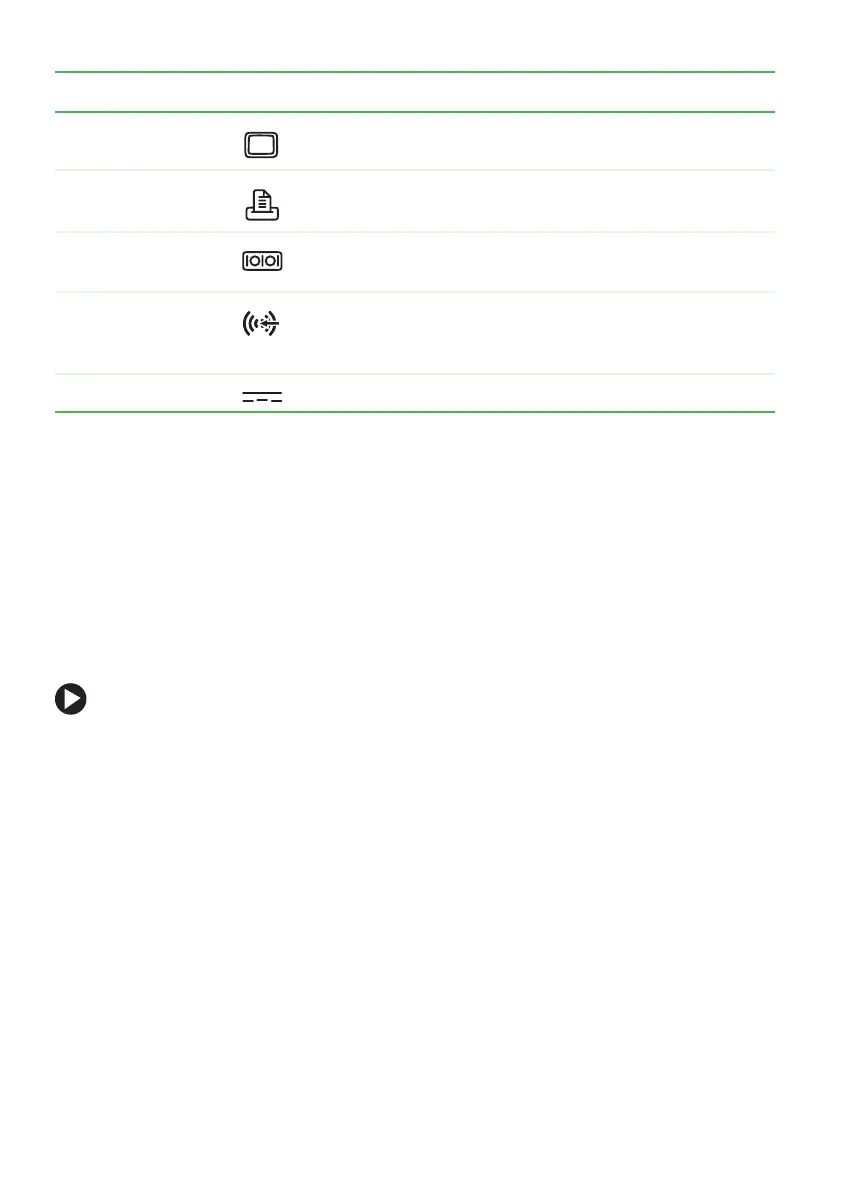
Monitor port Plug an analog VGA monitor or projector into this port.
Parallel port Plug a parallel device (such as a printer) into this port.
Serial port Plug a serial device (such as a digital camera) into this
port.
Line in jack Plug an external audio input source (such as a stereo)
to this jack so you can record sound on your notebook
or play sound through the notebook speakers.
Power connector Plug the AC adapter cable into this connector.
Component Icon Description













 To Next Page