Presets Restoring
Settings of 1 and 2 presets can be restored, if you change them.
For preset 1 restoring:
• Set Mode Dial in position M (Manual aperture control).
• Set shutter speed 1/1000 by Control Dial.
• Select ISO — Auto in camera menu..
Press Menu button, go to Camera Settings (Tab 8) and select Memory.
Set Mode dial in «1» position and press middle button of Control Wheel.
For preset 2 restoring:
• Set Mode Dial in S (Shutter Priority) position.
• Set shutter speed 1/1000 by Control Dial.
• Select ISO — Auto in camera menu.
Press Menu button, go to Camera Settings (Tab 8) and select Memory.
Set Mode dial in «2» position and press middle button of Control Wheel.
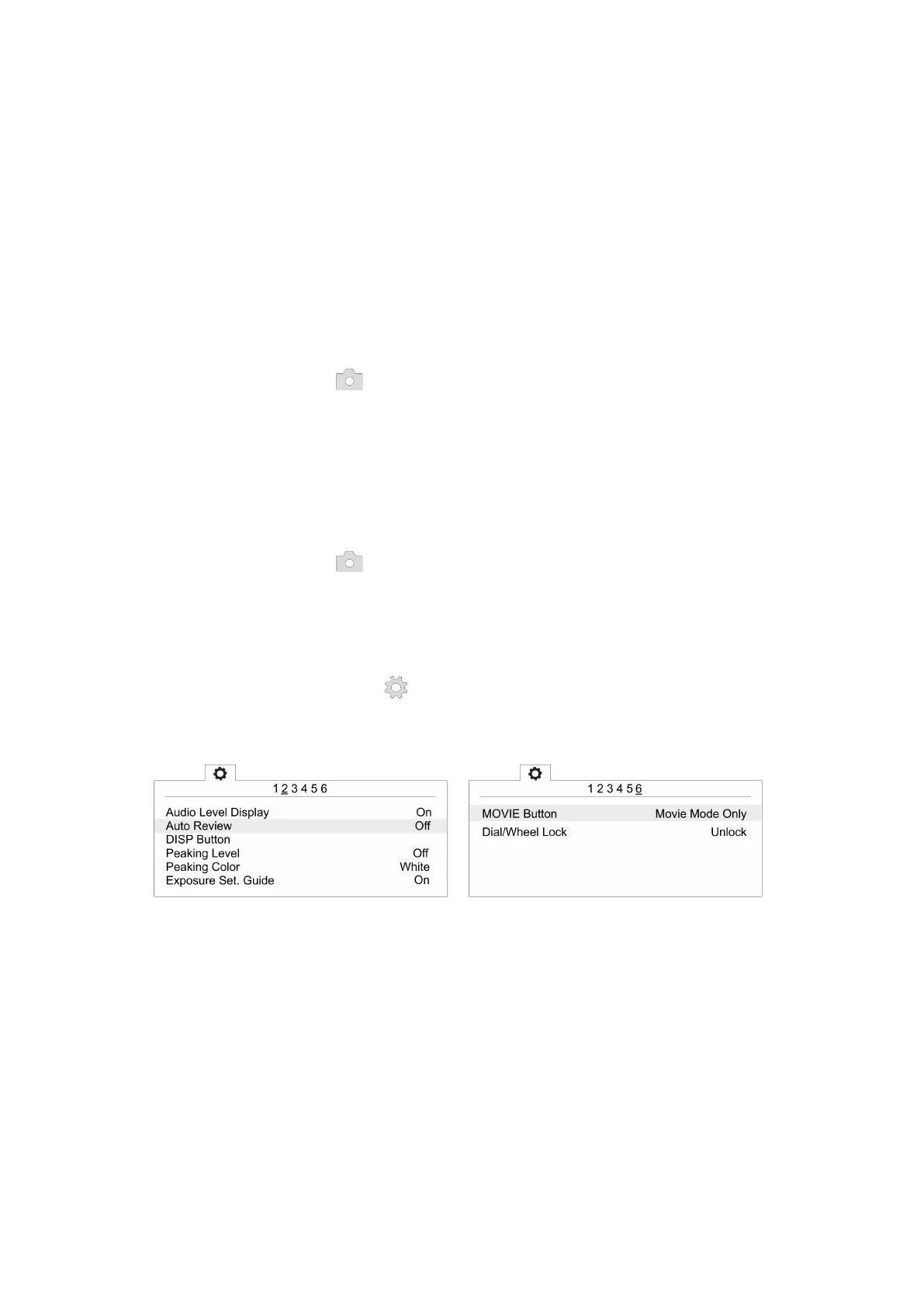
If you change or reset settings you also need to switch off automatic photo review
and shooting by MOVIE button, set max. time before power saving start and reset for
le number. Change these settings:
• Switch off Auto Review in User Settings (tab 2) and MOVIE Button — Movie
Mode Only (tab 6).
Auto review — Off Movie mode only for MOVIE button
46



 To Next Page