Connection Settings
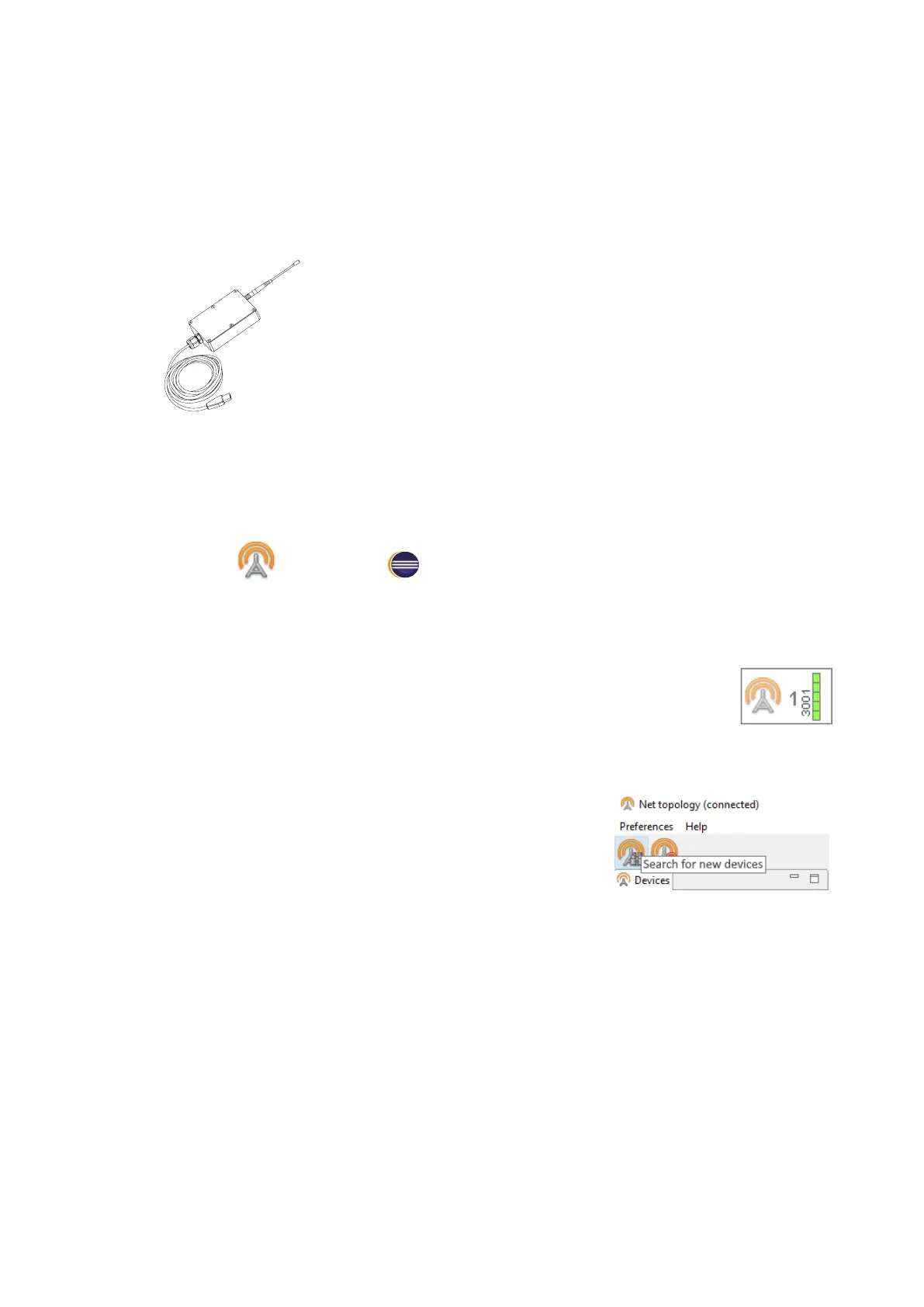
Radio Modem Connection
The radio modem is used to load a ight task into the autopilot
memory, set up and semi-automatic control UAV ight up to
40 km, if a ight zone doesn’t have any signal barriers. This
section describes how to set up wireless connection between
the UAV and laptop.
1. Connect radio modem to laptop’s USB port.
Radio modem drivers will be installed automatically.
Use these drivers, if operating system is not detect radio modem device:
CP210x VCP(for Windows 7-8) и CP210x(for Windows 10).
2. Install MdmDisp and NetTopology software.
3. Turn UAV power on.
4. Launch MdmDisp utility.
The antenna icon and the number of connected UAVs will be displayed
in a right corner of the laptop screen.
4.1 At the rst time you need to congure connection with UAV.
1) Run the NetTopology utility.
2) Press Search button.
The program will show the list of detected devices. The search will continue until the
Search new devices button will be pressed again.
3) Select UAV №xxxx and press Add device button.
The utility saves the list of added devices automatically.
Before the next ights just run MdmDisp utility and check successful connection.
82



 To Next Page