Pay attention,that you need portable compass for camera’s magnetic com-
pass system calibration.
LED Indication
Camera’s LED indicates system state.
DLS2 sensor’s LED is same.
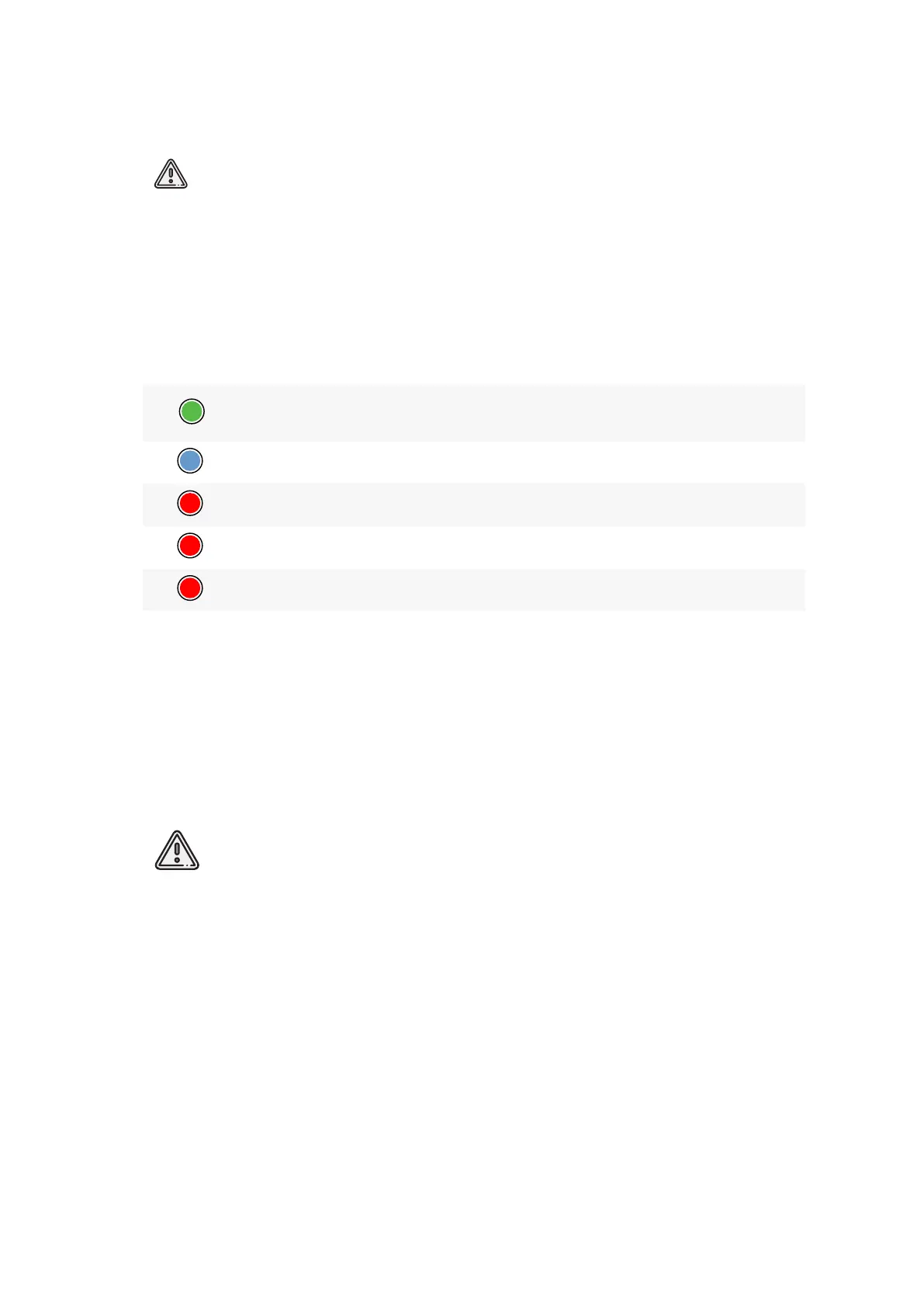
The table describes LED states:
Color State
Description
1 ash
The camera is ready for shooting: GPS connect is successful,
SD card storage is more than 2 GB
1 ash
Image is captured
3 ashes GPS connection time out
4 ashes SD card is not installed, or le system is not supported.
5 ashes SD card is full
Camera Settings
Before Power On
1. Check lenses for a clearance.
2. Check DLS sensor for a clearance.
3. Insert 32 GB UHS-I FAT32 SD card in SD card slot.
FAT32 le system is supported only.
55



 To Next Page