Flight
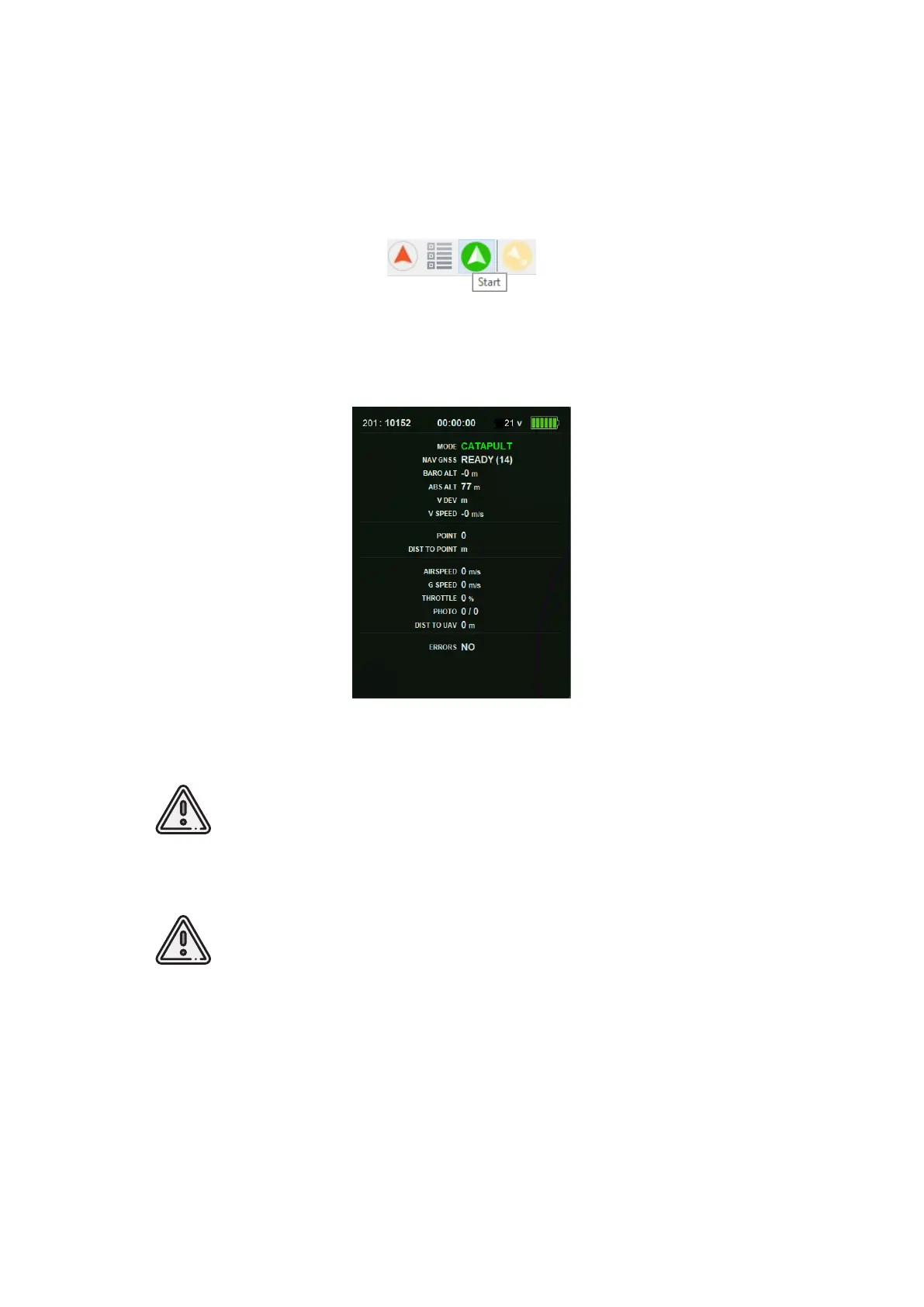
Press Start button.
Start button
UAV autopilot will change mode to start.
The telemetry panel will display CATAPULT mode.
Catapult mode
It is necessary to switch the UAV to start mode only after placing it on
the launcher. It is forbidden to take and move the UAV after switching to
CATAPULT mode.
Press the cancel button Cancel to cancel Catapult mode. UAV will be
switched to the Preparation mode. It will require to go through the ight
preparation again.
Eject safety pin and activate launch by pulling launcher’s cord.
UAV will take off.
86



 To Next Page