Metadata Sync
Copy photos to PC and attach GNSS metadata to each photo. For this:
1. Eject SD card and open SD card memory in le browser.
The pictures are placed in XXXXSET folder,where XXXX— number of shooting session.
Inside this folder, the photos are separated on folders (no more than 1000 pictures
for each) 000, 001, 002 etc.
2. Create RX1RM2 and RedEdge folders and copy in photos from cameras.
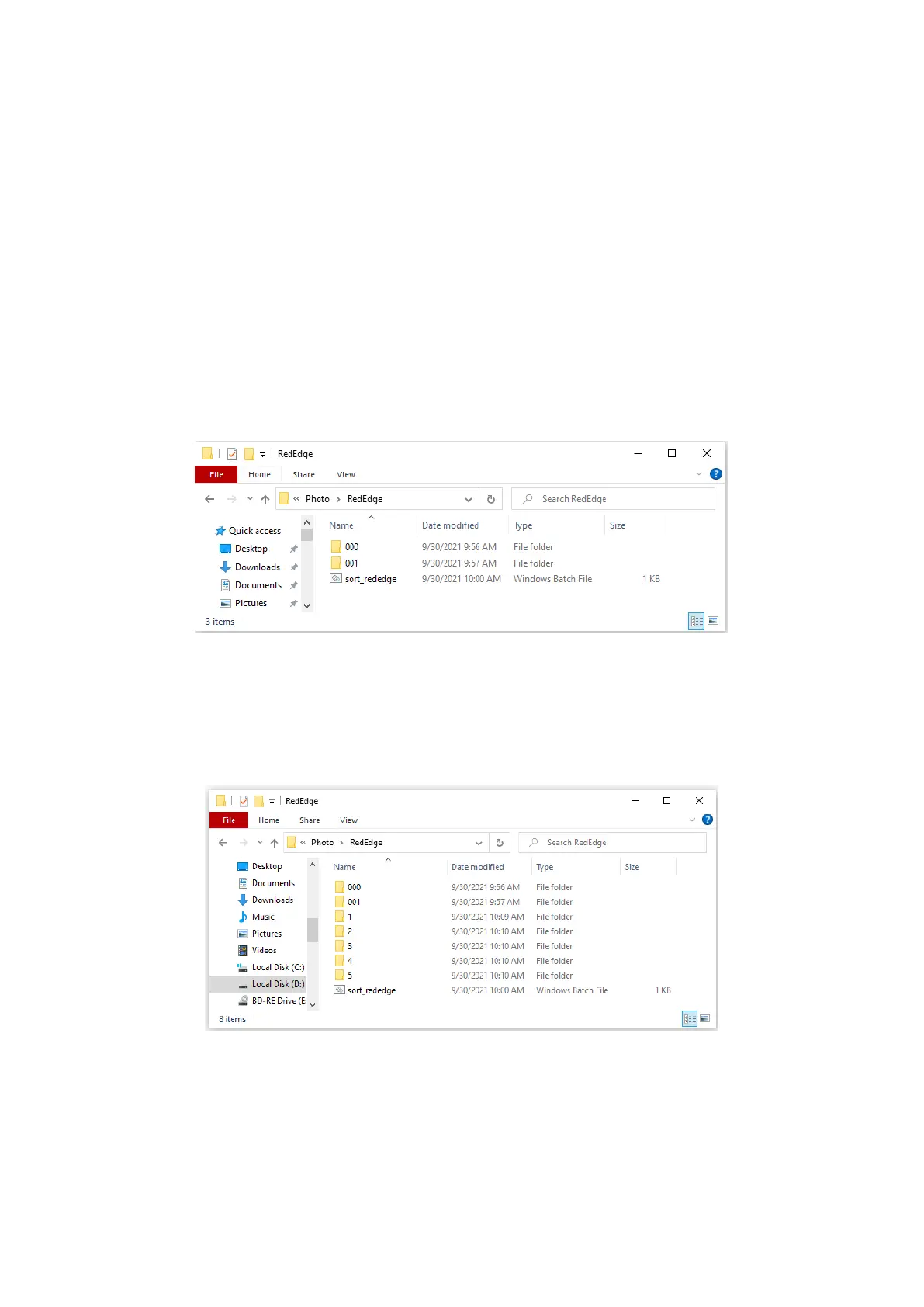
3. Copy sort_rededge.bat script in RedEdge folder. This script will sort pictures in 5
folders. Each folder contains photos from one of spectral bands.
The script is available for download here:
https:// download.geoscan.aero/ site-files/ sort_rededge.bat
File structure before script sorting
4. Launch sort_rededge.bat script as administrator.
Mouse right button click on the script — Run as administrator.
The script window will be closed after sorting is nished.
File structure after script sorting
60



 To Next Page