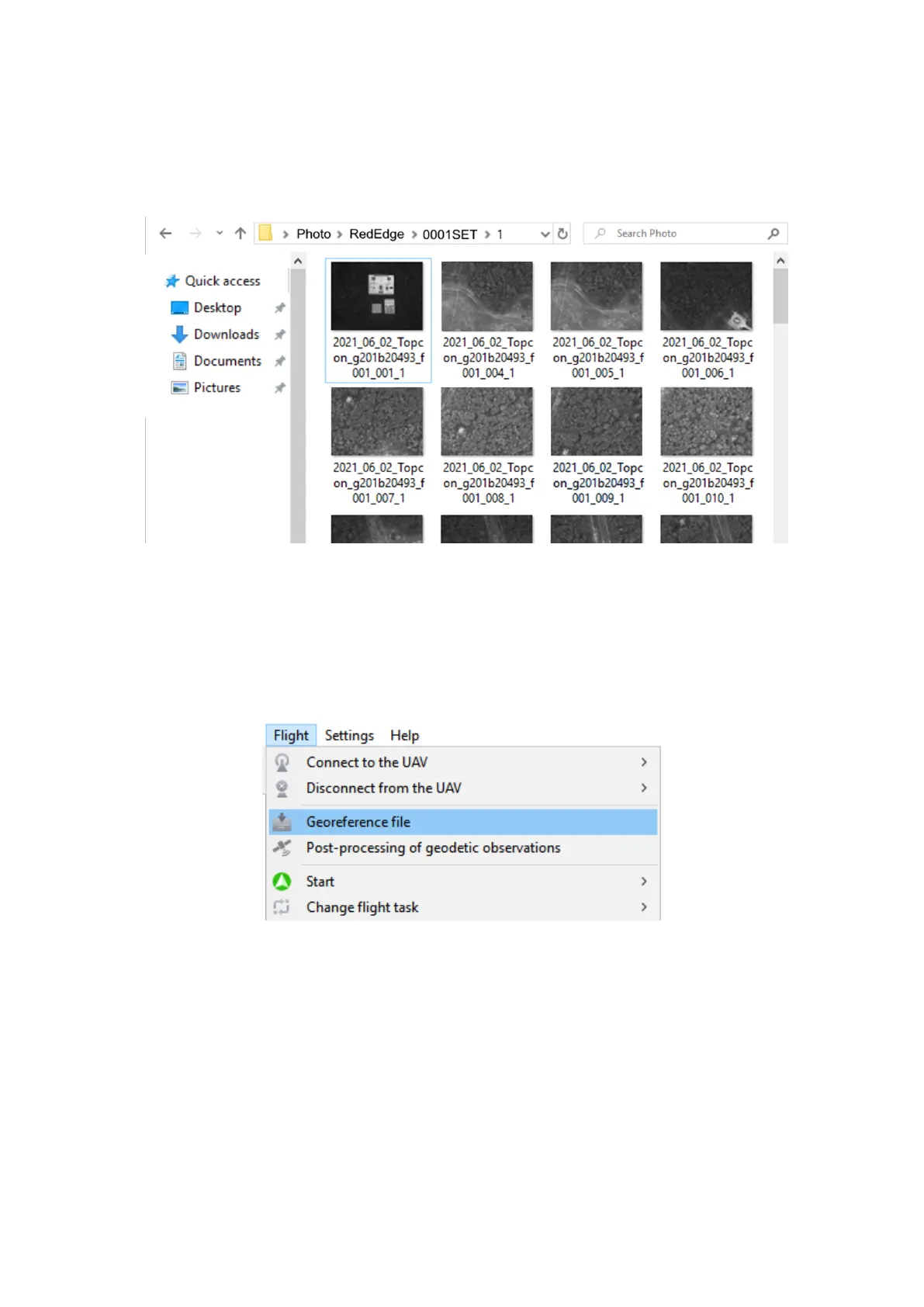
Delete rst calibration board photos in each folder (1,2,3,4,5). Leave only one of them.
One calibration photo in one of the folders
If RX1RM2 camera included in delivery kit, copy camera photos in RX1RM2 folder to
sync metadata.
5. Connect UAV to Geoscan Planner software and select Georeference le in Flight tab.
Georeference le
61



 To Next Page