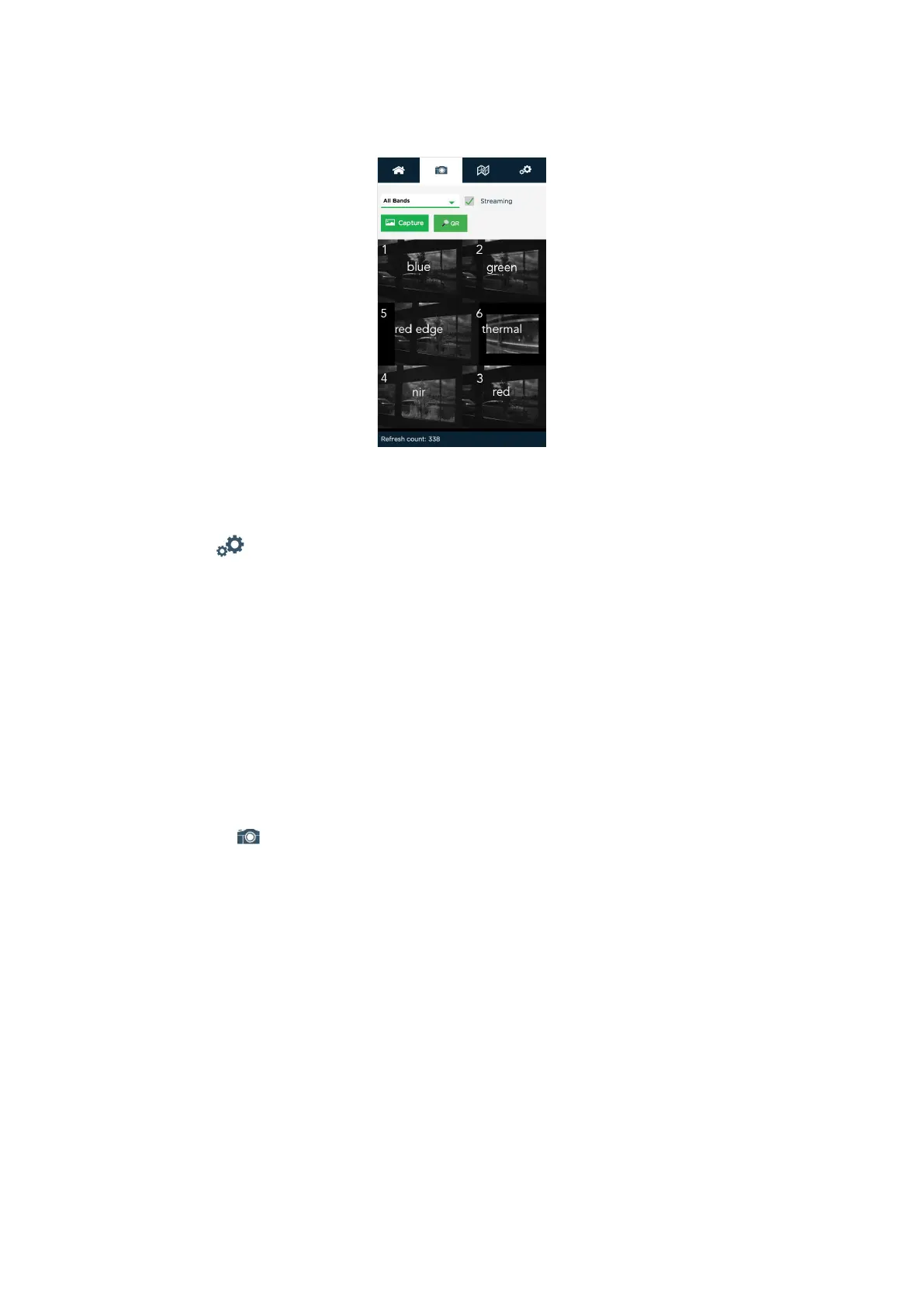
Stream in Live View tab
11. Disable Streaming option.
12. Open Settings tab.
13. Check that Ext. Trigger is selected in Auto-Capture Mode eld.
14. Make sure that Ext Trigger Mode is selected Rising Edge eld.
15. In Advanced Conguration section in subsection PPS pin usage for Pin purpose
eld must be selected Output option.
Calibration
Shooting Calibration
1. Connect the camera via Wi-Fi.
Network: rededgeRMXXXX-XX. Password: micasense.
2. Open 192.168.10.254 page in browser.
3. Switch to Live View tab.
4. Turn camera live view on by enable Streaming option.
5. Place calibration board on a at surface.
6. Lift UAV up over the calibration board.
7. The board must be on approximately 50 % of total shooting area.
You can check it on streaming tab.
8. Make sure that calibration board and DLS sensor doesn’t have any shadows.
9. Disable Streaming option.
10. Press Capture button on the camera.
11. Make sure that photos are showed in browser.
12. Repeat steps 10 and 11.
57



 To Next Page