Waiting Point
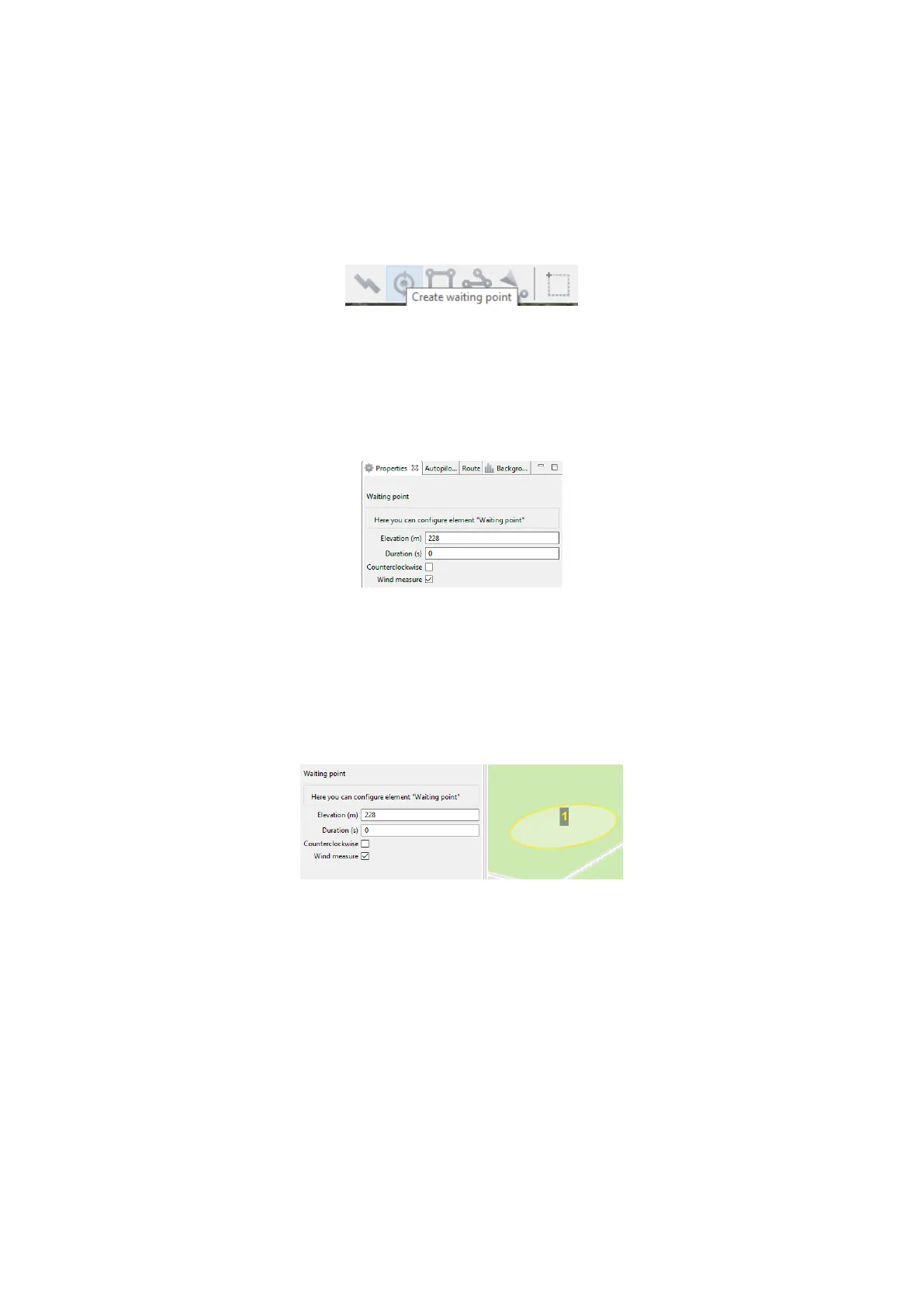
Create waiting point tool allows to hold UAV on selected map point.
1. Press Create waiting point on the toolbar.
Waiting point button
2. Click mouse button on the map to set waiting point.
You can activate more options an expert mode: set delay point height, waiting time,
direction, wind measurement and endless devay functions.
Waiting point options
UAV will hold the point on the set height during seted time, and then go back to
the ight route.
In Wind measure mode the waiting point will be colored yellow, and the duration
will change to 15 seconds. UAV will take into account a wind mesurements when
performing a ight task.
Waiting point in wind measure mode
79



 To Next Page