New Project
1. Install and launch Geoscan Planner software.
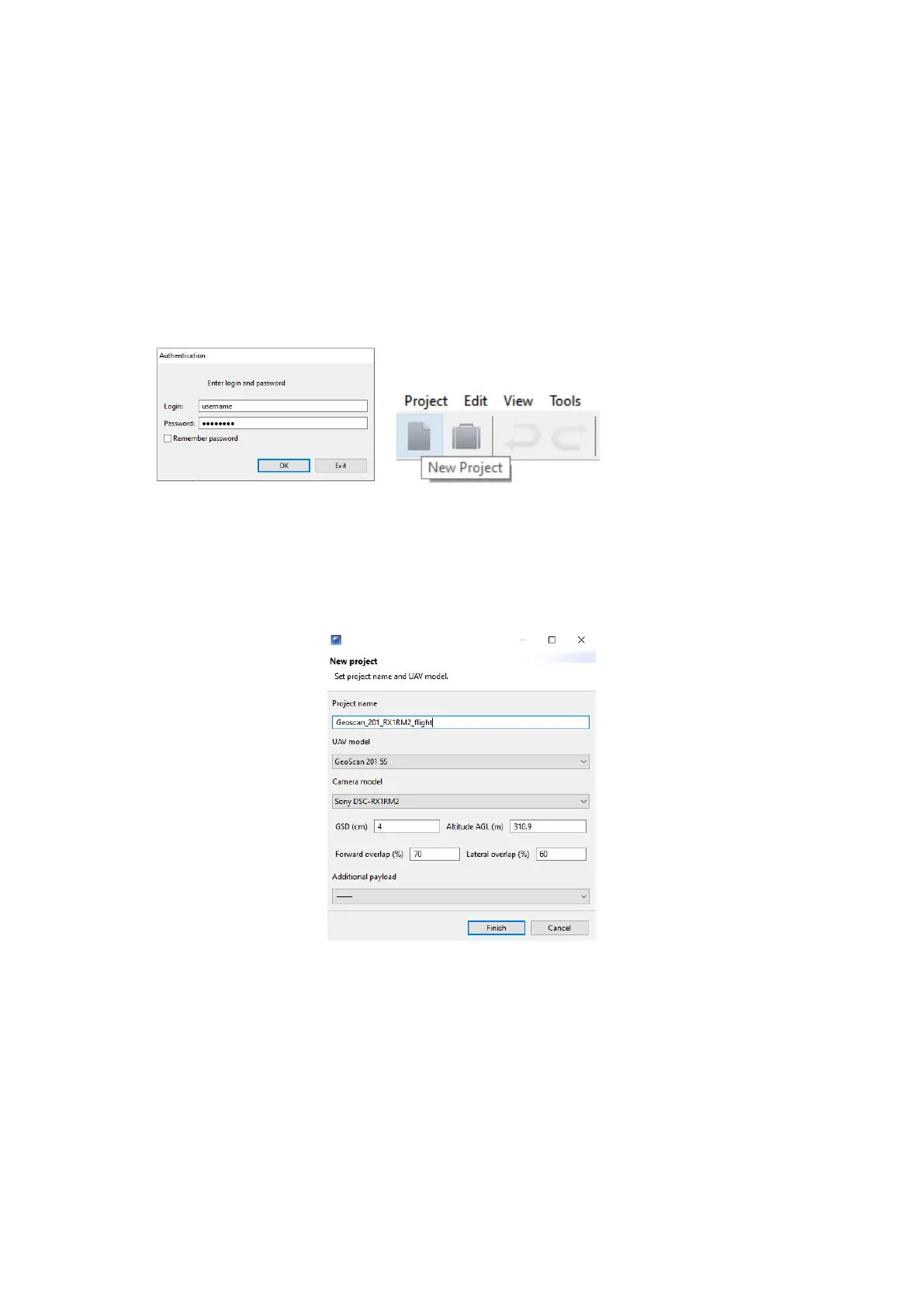
2. Enter your login/password in authentication window and create new project by
press New Project button.
Authentication window New Project button
3. Enter a project name and shooting parameters in the new project window.
Parameters in new project window
72



 To Next Page