Aerial Surveying
Aerial surveying is a polygon surveying. User sets vertices of the polygon (more than
3) and the software will automatically calculates a ight route.
1. Press Create aerial surveying on the toolbar.
Create aerial surveying
2. Click on the map to set vertexes of aerial survey area. The program will automati-
cally calculate the ight route.
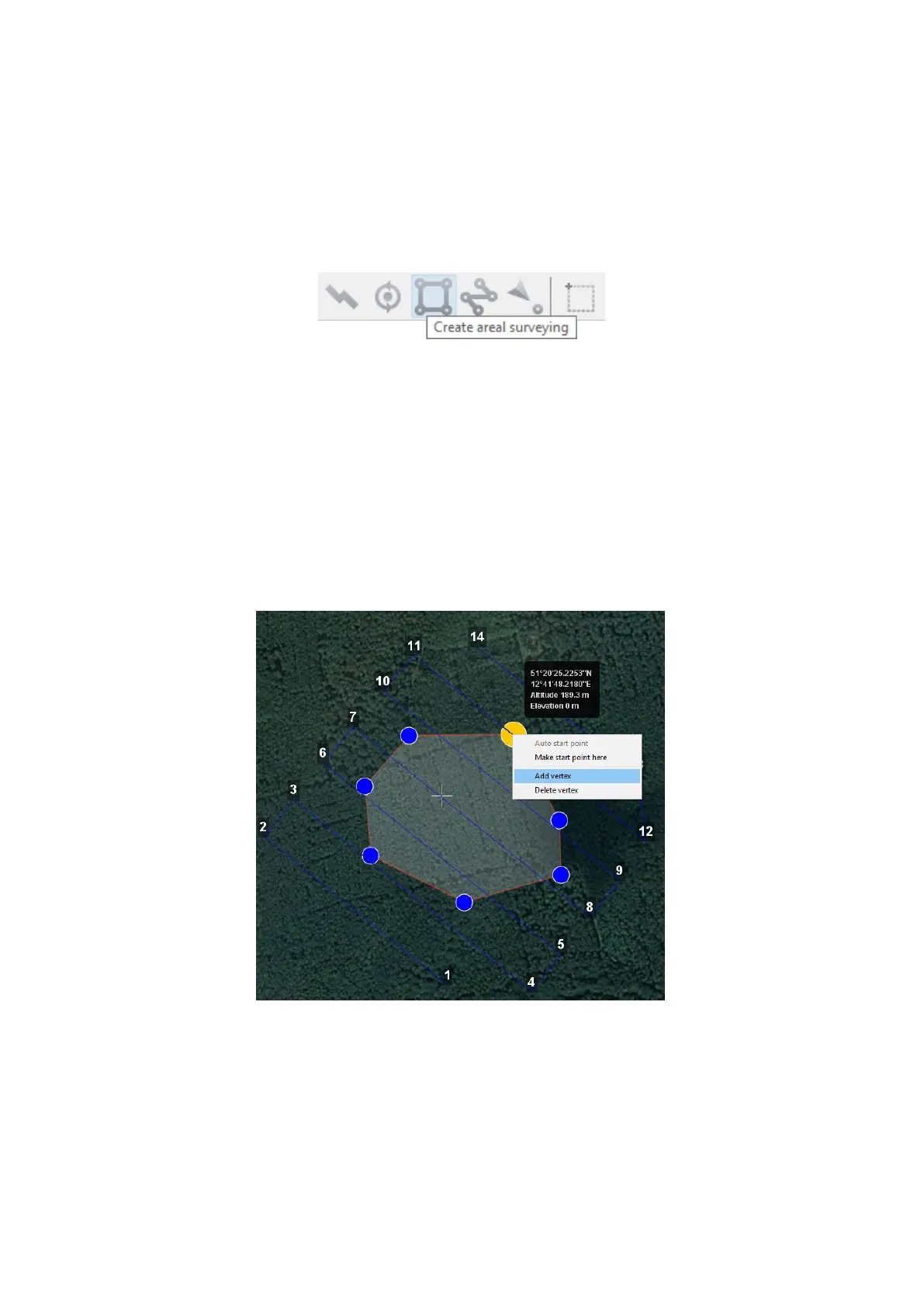
Polygon Vertexes Adding and Removing
You can add vertices to polygon.
1. Hold left mouse button and move middle point of a polygon side.
The vertex will be created automatically. A oating window will display location of
the vertex.
Vertex adding
73



 To Next Page