Landing Point
Create landing point tool is used to set the UAV landing point.
It is necessary to land UAV at the ight mission end.
Choose open dry place without trees and other barriers for landing.
Check the wing direction at landing route and correct land trajectory if it needs.
1. Press Create landing point button on the toolbar.
Create landing point button
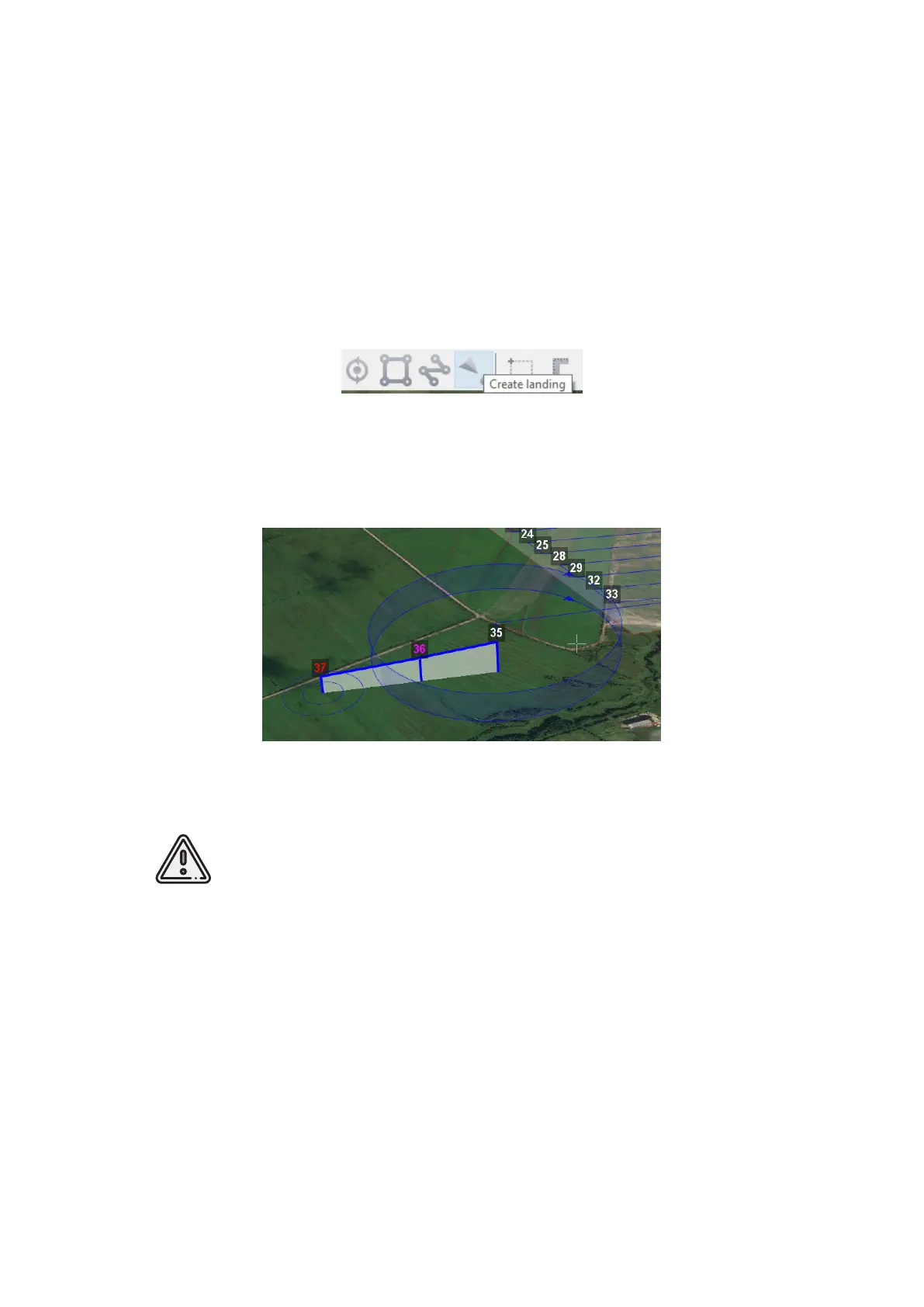
2. Click on the map to select landing point for UAV.
The software will generated 3 points landing route automaticaly.
Landing route example
Landing should be carried out against the wind in the landing area. Oth-
erwise, a hard landing is possible. It may provide UAV damages.
81



 To Next Page