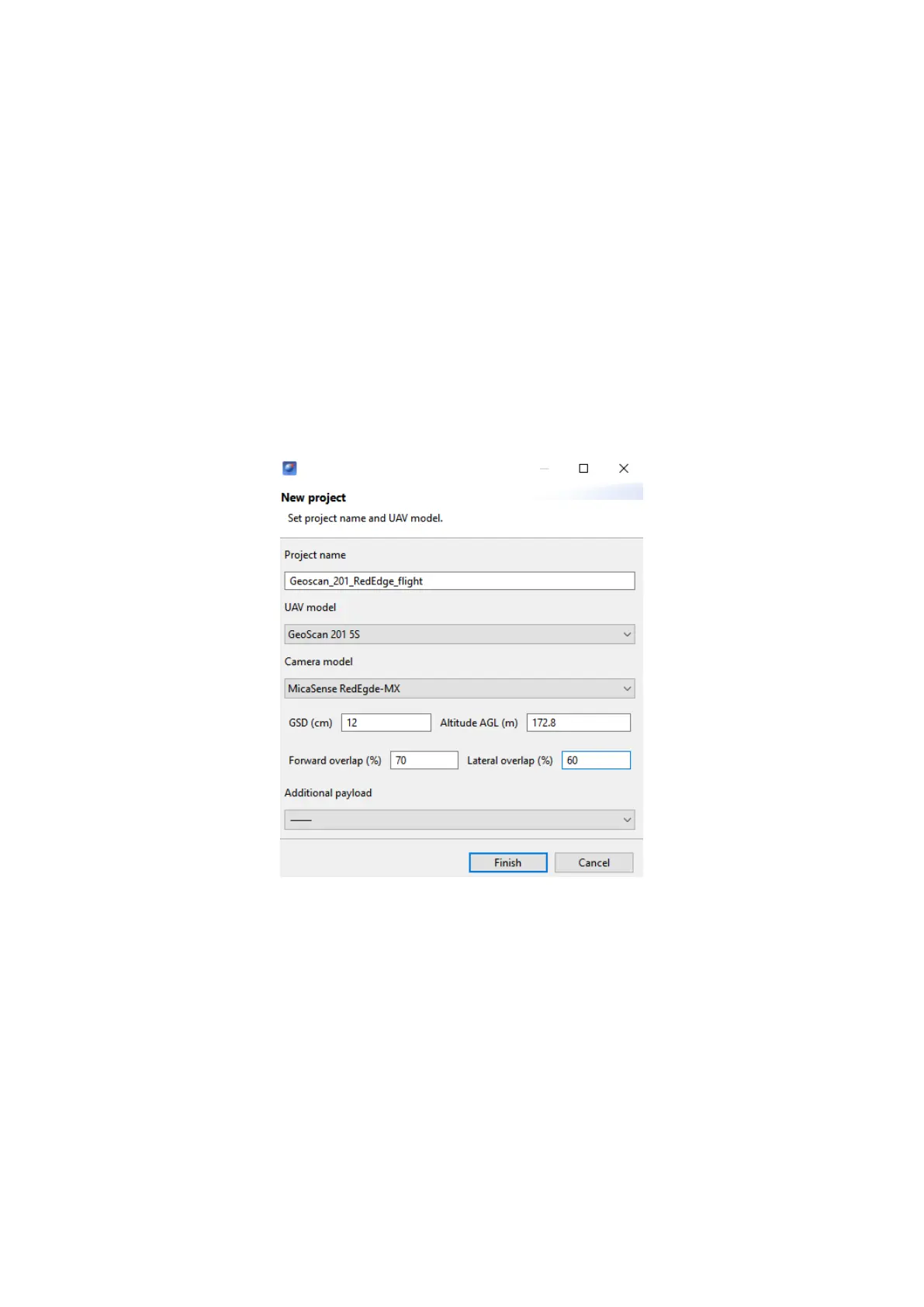
Flight Project Settings
Set these recommended parameters in Geoscan Planner new project window (see
more information in Geoscan Planner Software section):
UAV Model — Geoscan 201 5S;
Camera Model — MicaSense RedEdge-MX;
GSD (cm) — 12;
Forward Overlap (%) — 70;
Lateral Overlap (%) — 60.
Additional payload does not need to be specied.The autopilot automatically detects
the second camera for UAVs with two cameras and performs in-ight shooting sync.
Geoscan Planner settings
Make shooting in normal daylight conditions for the best pictures quality.
Repeat camera calibration after UAV take off.
The camera can be switched off by control button on the front side.
59



 To Next Page