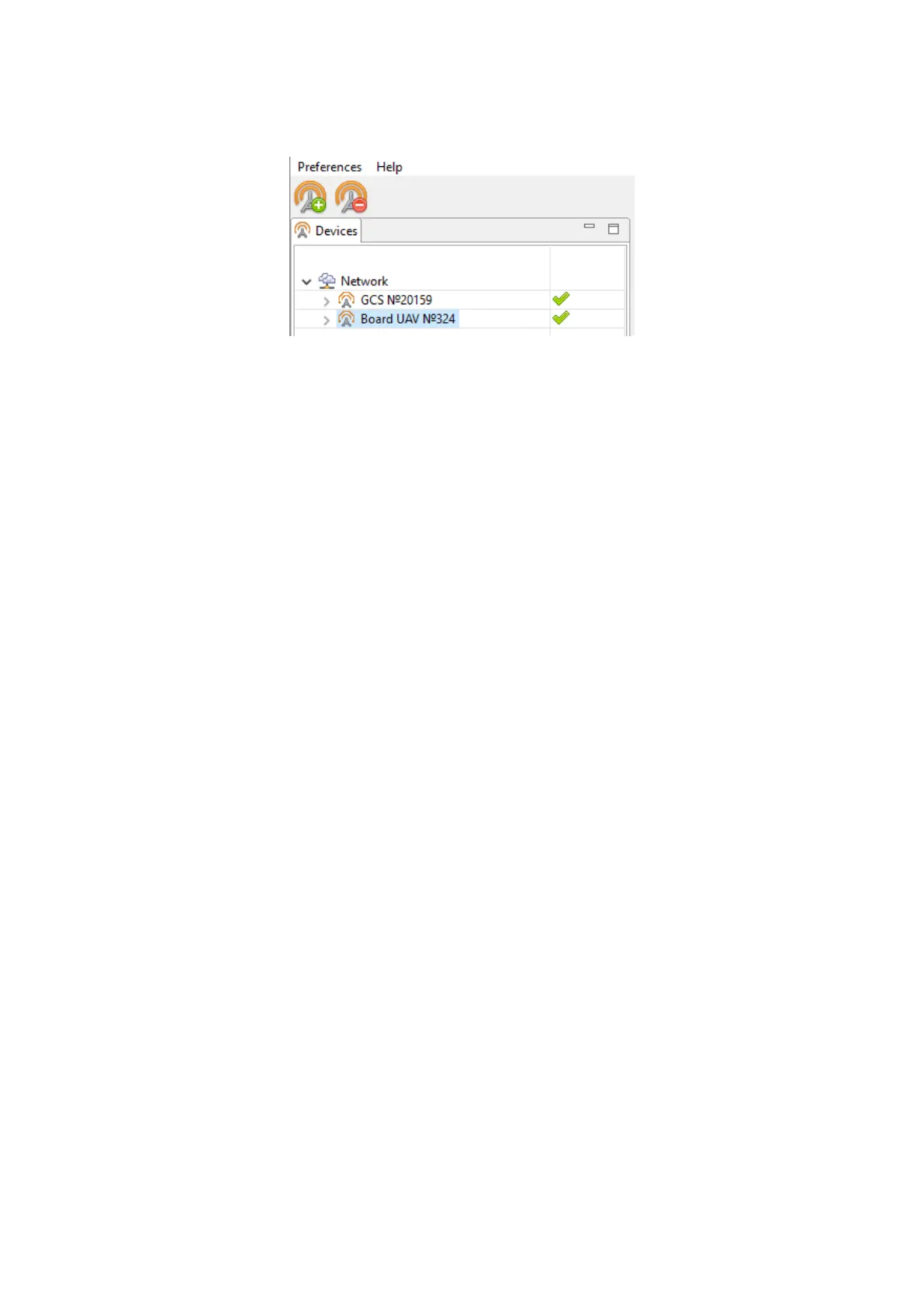
Adding a new device
If UAV is not detected reconnect radio modem by right-click on the MdmDisp icon and
select Reconnect. in the context menu.
If connection is failed:
• Check connection of the radio modem to laptop’s USB socket.
• Check network settings in NetTopology.
• Set COM-port of the radio modem manually. Right click on the MdmDisp an-
tenna icon and select textbfSettings in the context menu. Set Connection type
— Serial and select COM-port of the radio modem.
• Right click to MdmDisp icon and select Reconnect.
83



 To Next Page