Using The Handheld Tester
1
PAGE 13
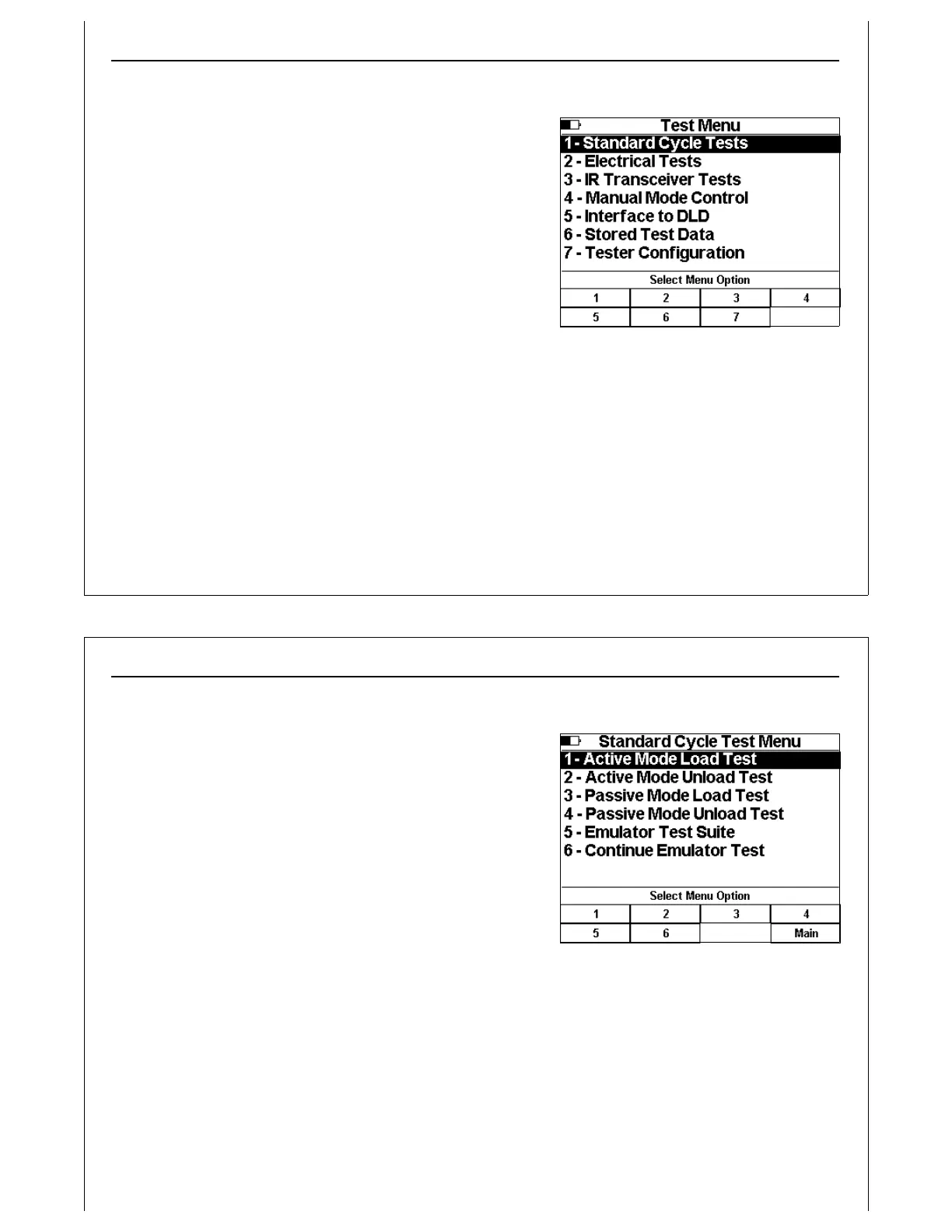
Figure 9 - Main Test Menu
Main Test Menu
The Main Test Menu is displayed when the HHT is first powered
up. This menu provides access to each supported HHT test
type, as well as Stored Test Data and HHT Configuration.
Menu options are numbered, and can be selected using the
numbered soft keys. Menu options can also be selected
using the Up and Down Arrow keys. The currently selected
option is highlighted. Press the Enter key to select the current
option.
A battery fuel gauge is displayed in the upper left corner of
the LCD. This fuel gauge shows approximate remaining
battery life based on usage. Average current drawn from the
batteries fluctuates based on specific HHT operations. Actual
measured current draw is used to estimate remaining battery life.
The battery fuel gauge is displayed in all HHT screens. The fuel gauge is updated to show 3/4,1/2, and
1/4 full based on usage.
Using The Handheld Tester
1
PAGE 14
Figure 10 - Standard Cycle Test Menu
Active Mode Load and Unload Cycles
Standard Load and Unload Cycle Tests are available using
Test Menu Option 1.
The Standard Cycle Test Menu provides options for running
Load and Unload cycle tests in both Active and Passive
modes.
This menu also provides options for running Emulator Test Suite
tests. Please see the Emulator Test Suite Addendum for
details.
During Active Mode tests, the HHT simulates the active side
(AMHS) of the E84 handoff. This mode is used when testing a
load port.
During Passive Mode tests, the HHT simulates the passive side (EFEM) of the E84 handoff. This mode is
used when testing a delivery vehicle.
Use the numbered soft keys to select the desired test mode.



 To Next Page