Using The Handheld Tester
1
PAGE 53
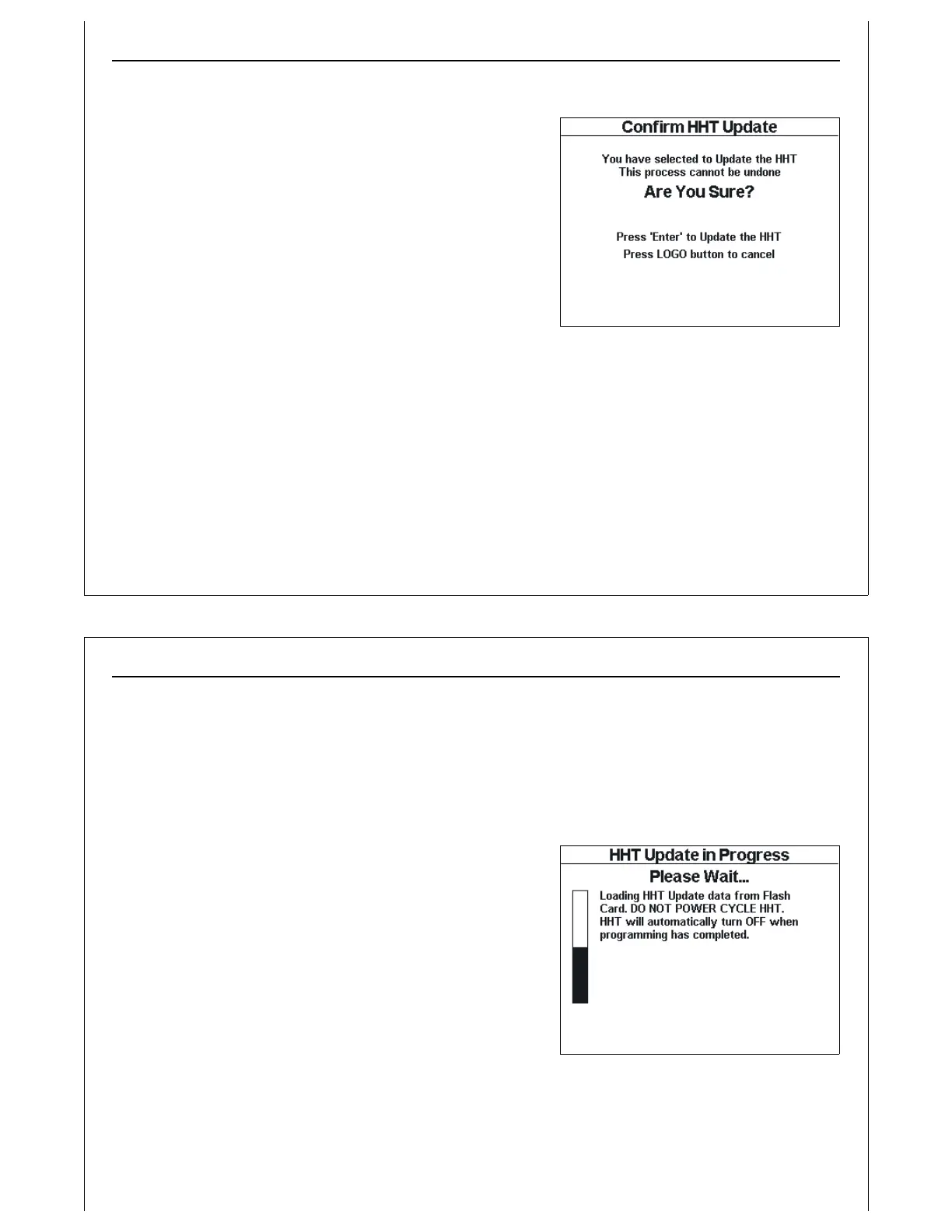
Figure 51 - Confirm HHT Update Screen
Field Update Verification
The Confirm HHT Update screen is displayed to verify that the
user desires to update the HHT’s firmware.
A warning message is displayed indicating that the update
process cannot be interrupted or undone.
To cancel the update, and return to the HHT’s Main Menu,
press and release the Logo key. The update process will
terminate, and the HHT will boot the currently installed
firmware.
Press and release the Enter key to begin the firmware update
process.
Using The Handheld Tester
1
PAGE 54
Figure 52 - Loading HHT Update
Field Update Progress
The HHT displays the HHT Update in Progress screen during the update process. The update process
takes two stages. Progress through each stage is indicated on this screen. It is critical that the HHT
remains powered ON during the update process. If the HHT is powered down during the update
process, the HHT may become unstable. If the HHT does not function following a Field Update, it must
be returned to the factory for repairs.
First, the HHT loads the firmware update from the SD Card into
internal memory. During this loading stage, the HHT displays
a message indicating that it is loading the HHT Update from
the SD Card. A progress bar is displayed on the left side of
the screen. As the update data is loaded, this progress bar
fills up.



 To Next Page