Using The Handheld Tester
1
PAGE 41
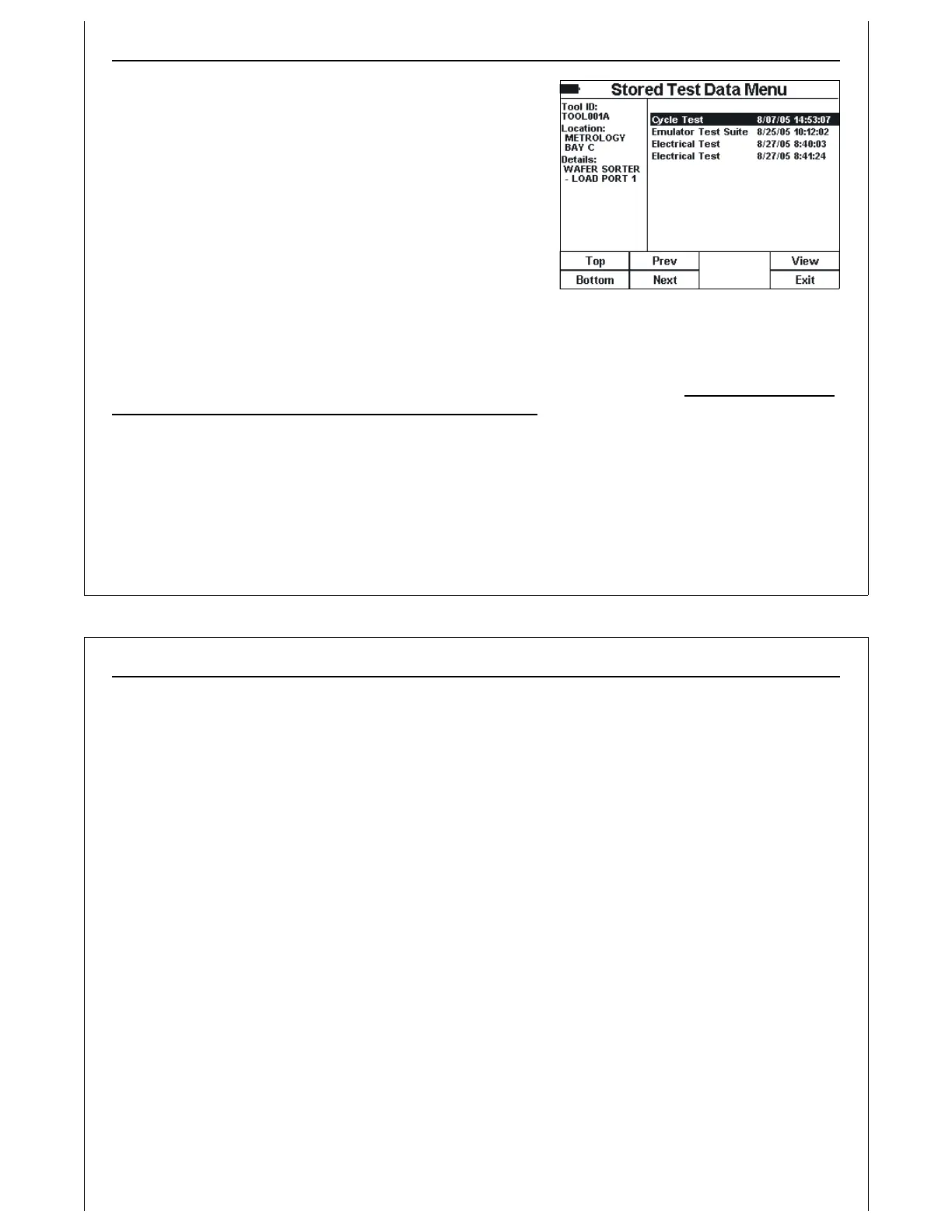
Figure 40 - Stored Test Data - Marked
Records
Stored Test Data File List
The File List screen is displayed when the View soft key is
pressed on the Stored Test Data Menu. The left side of the
screen shows details on the selected Tool ID.
The right side of the screen shows a File List of stored test
results files for the selected Tool. Each entry in the File List
contains the type of test results saved, along with the test
date. The File List is sorted by test date.
The Top, Bottom, Prev, and Next soft keys can be used to
scroll through the File List.
The View soft key is added for a planned feature that will
open the currently selected test results file, and display the results on the HHT. This option will allow the
user to review previously saved test results on the HHT, prior to transferring to a PC. NOTE: This option has
not yet been implemented. It is planned for a future release.
Using The Handheld Tester
1
PAGE 42
File Management Options
Previous versions of the HHT provided some basic file management options. Options to delete test
results, and upload test results to an attached PC allowed users to maintain the PSS. With the inclusion of
an SD Card interface for the PSS, these file maintenance tasks are now handled on the PC. Transfer the
SD Card to a card reader attached to a PC, and use Windows Explorer
®
to move files onto the PC’s hard
disk, or delete files from the PSS.
Tool ID files should not be modified on the PC once test results have been saved to them. Modifying the
Tool ID file may affect PSS integrity, and could cause files to be overwritten during testing.
Tool ID files can be deleted when no longer required. The user should also remove the associated sub-
folder, including all stored results files. The sub-folder has the same name as the Tool ID file, minus the
.TXT extension.



 To Next Page