Handheld Tester Emulator Test Suite
2
PAGE 95
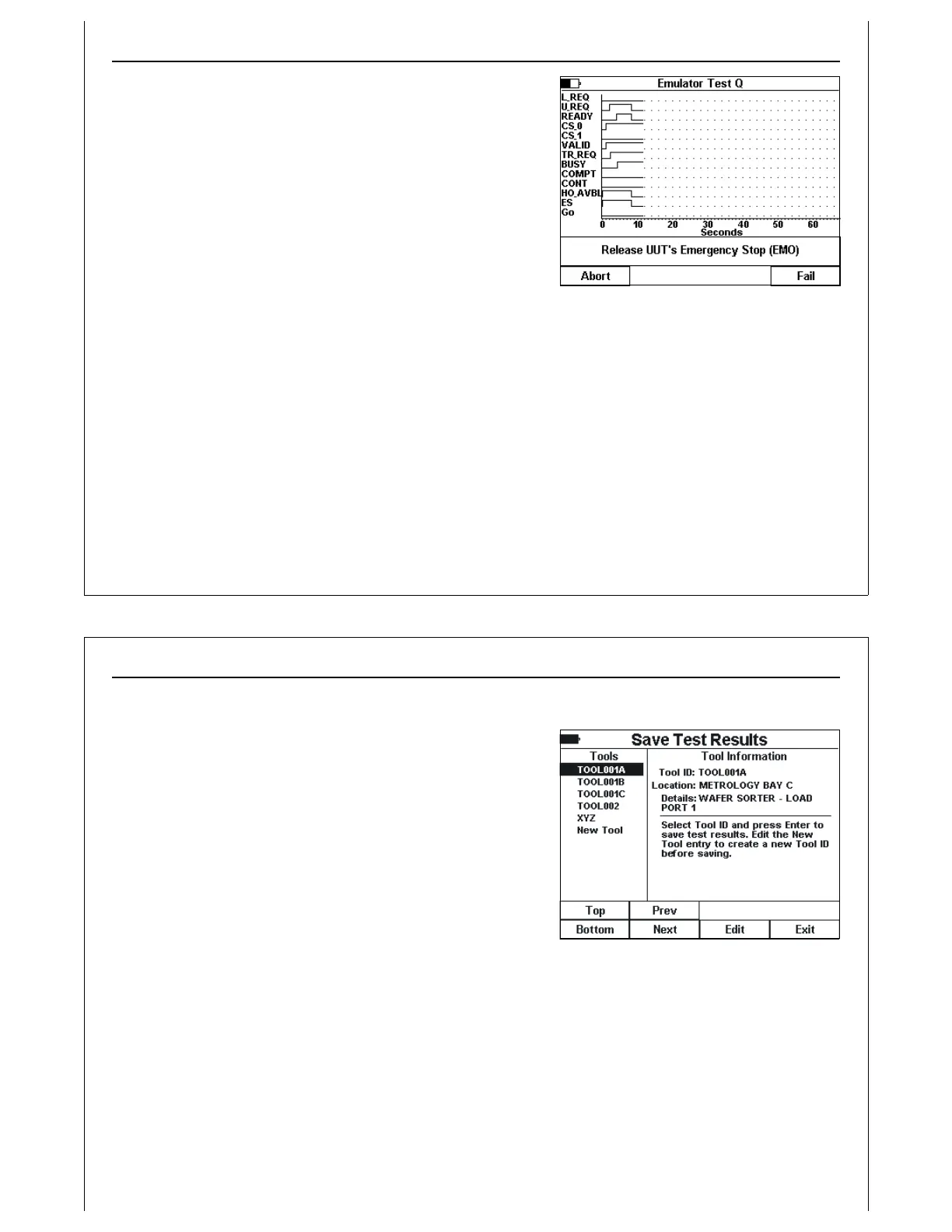
Figure 97 - Test Q Step 2
When the HHT detects a drop in the ES signal, it drops all of it’s
signals (BUSY, TR_REQ, VALID, CS_0). The HHT then prompts
the operator to clear the E-Stop condition (release the EMO
button). The UUT should turn it’s ES signal back ON.
If the HHT detects the ES signal turning ON, it will mark the test
as passed. If the ES signal fails to turn back ON, the operator
should select the Fail option to indicate the failure.
Handheld Tester Emulator Test Suite
2
PAGE 96
Figure 98 - Save HHT Test Suite Results
HHT Test Suite Results
After all HHT Test Suite test have completed, or when the
operator has aborted the HHT Test Suite, an option is
displayed to save the HHT Test Suite results into the PSS. The
test suite results is stored as a formatted ASCII text file.
This text file will show a title for each test in the HHT Test Suite,
along with Pass / Fail results. For some tests, failure codes will
be added indicating the type of failure if applicable.



 To Next Page