Using The Handheld Tester
1
PAGE 55
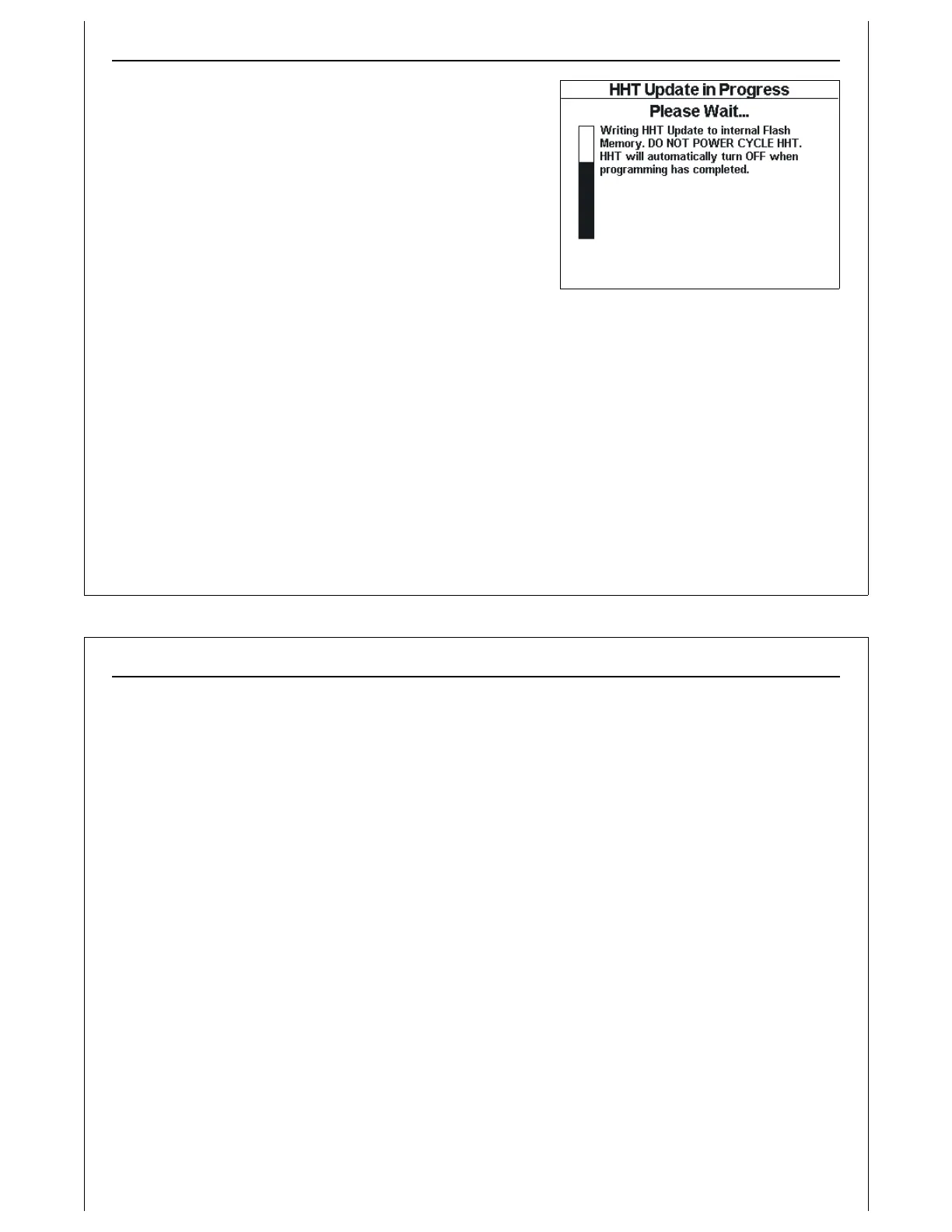
Figure 53 - Writing Update to Internal
Flash
When all update data has been loaded, the progress bar is
cleared, and a new message is displayed, indicating that the
HHT is writing the update data to internal flash memory.
As the update is written into internal flash memory, the
progress bar will fill.
When the update has completed, the HHT will turn itself OFF.
Power ON the HHT, and select the Configuration Menu option
to verify the firmware version number and release date.
Using The Handheld Tester
1
PAGE 56



 To Next Page