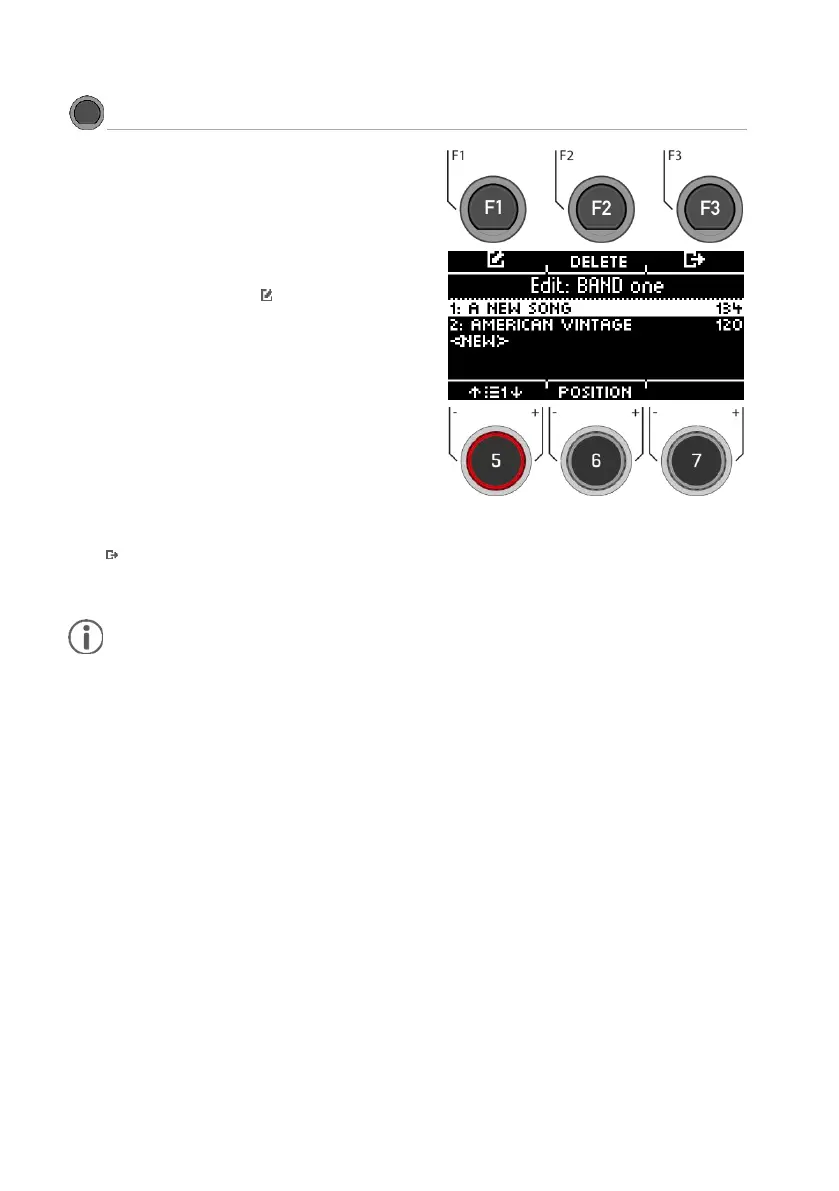
Under [SET EDIT] you can create new songs for the
active setlist or delete them from the list. These
contain a drum kit preset and a selected tempo
with all metronome functions. Of course, you can
also change the order afterwards.
Creating a new song
Select [<NEW>] using the dial [5] or the navigation
keys [8] and press [ENTER] or [F1].
Delete a song from the list
Turn dial [5] or press navigation key [8] to select
the song you want to delete and press [F2] [DE-
LETE].
Change position
Using the dial [5] or the navigation buttons [8],
select the song whose position you want to
change.
Use the dial [6] [POSITION] to move the slot any-
where in the list.
Exit
Press [F3] to exit the level and any menu key to
exit the entire menu.



 To Next Page