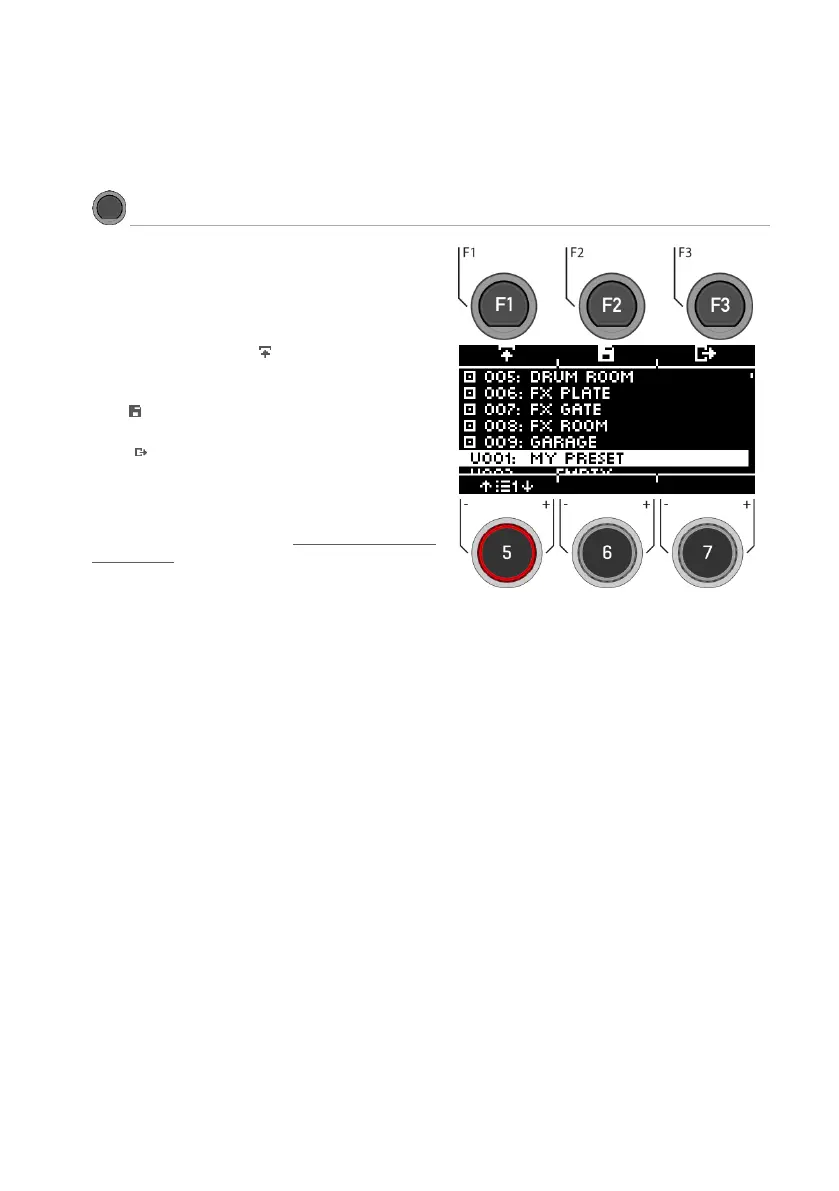
You can choose from presets, create your own or
rename them.
Use the dial [5] or the navigation keys [8] to select
a corresponding preset from the list.
To load the preset, press [F1] or [ENTER].
To save your own preset, find a free USER slot and
press [F2].
Press [F3] to exit the layer or any menu key to
exit the entire menu.
For a detailed description of how to load, save
and overwrite presets, see: Loading and saving
from presets.



 To Next Page