G5 – Owner‘s Manual | 31
10.1.1 SOUND GROUPING
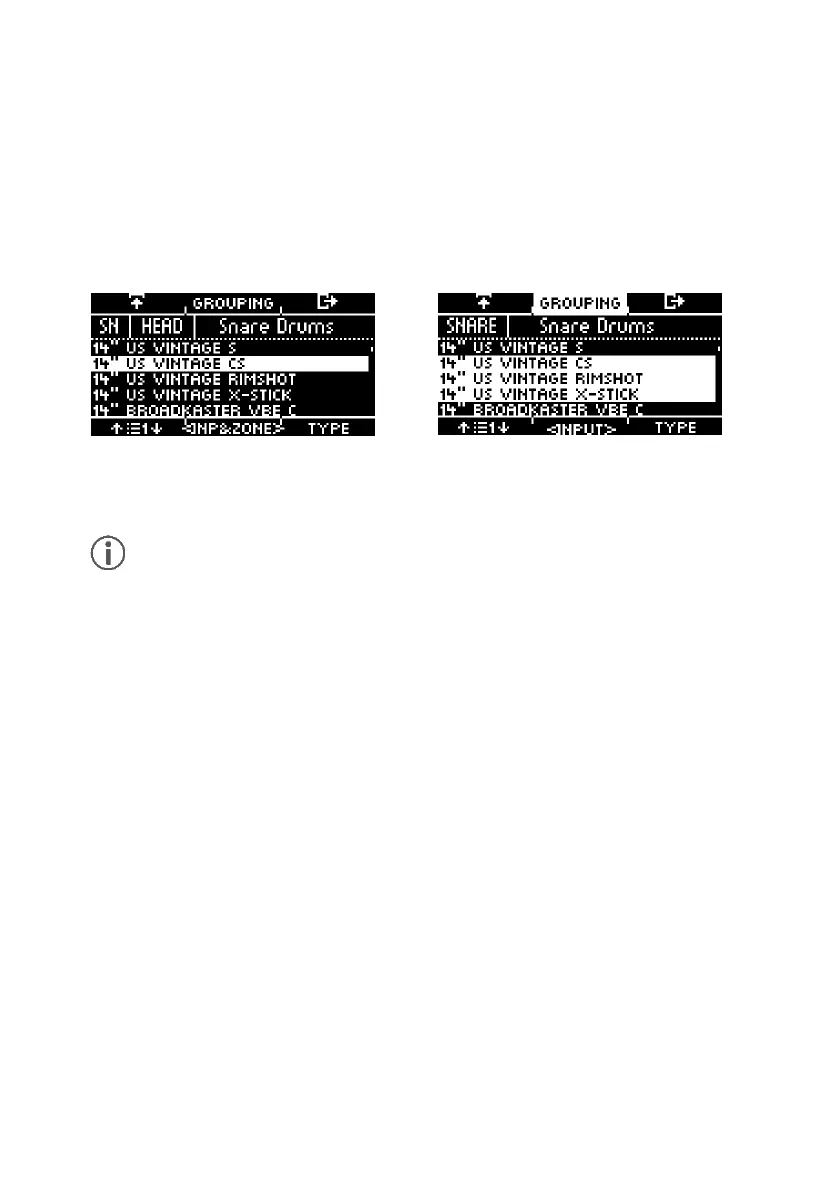
Sound Grouping is used to assign all relevant samples of the instrument sampled from individual
sounds directly to the corresponding zones.
For example:
Snare = Snare CS (consisting of two samples = Snare Center & Snare Side) & Snare Rim + X-Stick
Tom Pad = Head & Rim(shot)
Cymbals = Bow, Bell & Edge
Activate the function by pressing [F2] [GROUPING].
If you want to use the sound of only one zone, deactivate the sound grouping function in
advance.



 To Next Page