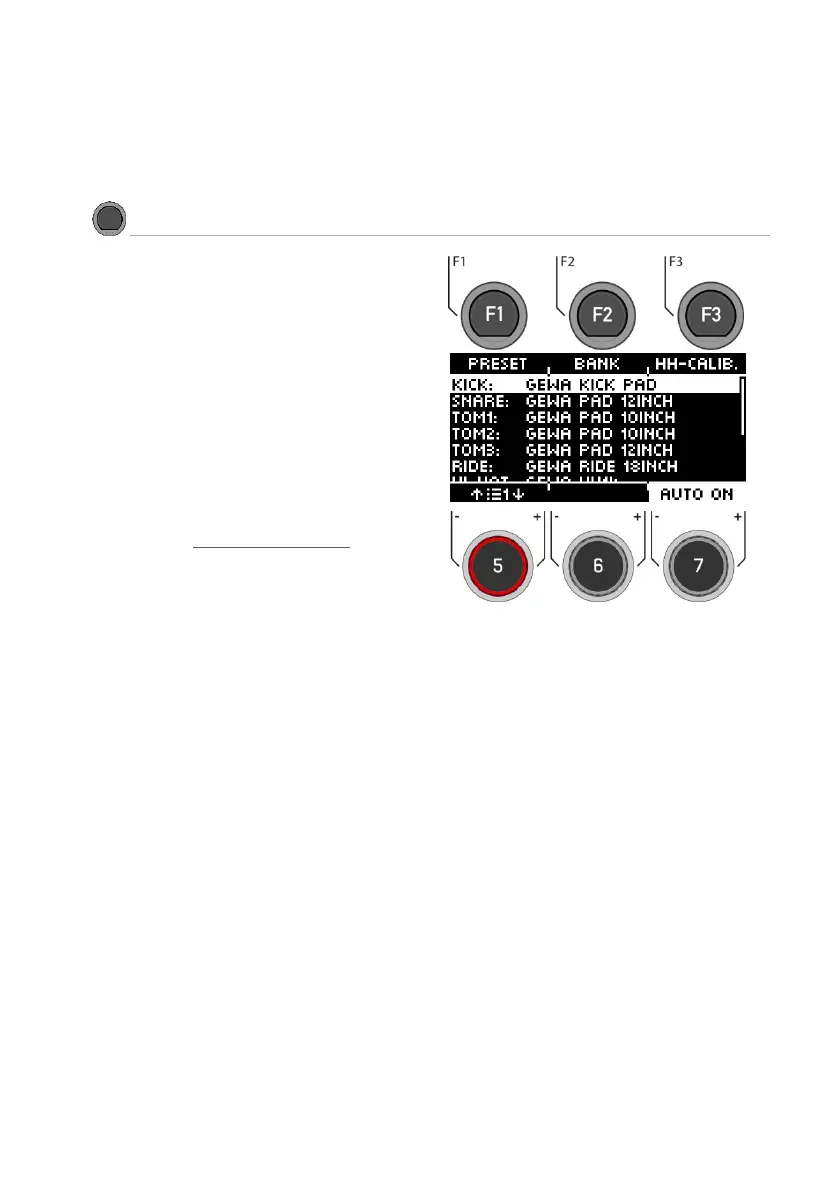
Here you can see directly which trigger is assigned
to which input.
Select Input
Select the input channel with the navigation keys
[8] or the dial [5].
To change individual components, press
[F2] [BANK] or the [ENTER] key.
Load and save
In contrast to the instrument level, the trigger
select settings are saved automatically. If you
want to additionally save and name the settings
as a separate preset, you can do this in the sub-
menu [Preset]: Preset / Load and save
An [*] indicates that you have made changes.
Auto On
Turn dial [7] to enable/disable automatic channel
detection. Play a component on your drum kit
and the module will automatically show you the
channel played.
Exit the trigger selection by selecting another main
menu.



 To Next Page