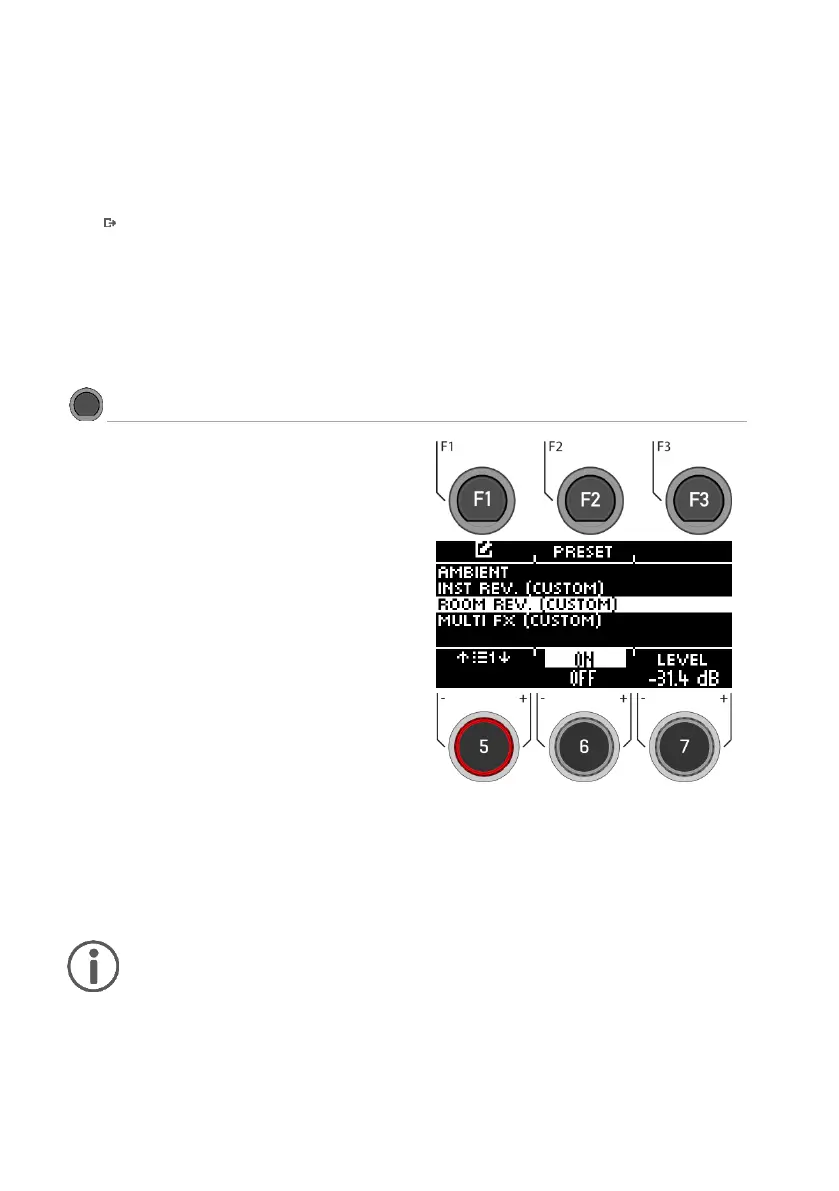
Preset
By pressing [F2] you have direct access to available presets or you can create your own user
presets.
Turning the effect on / off
Use the dial [6] and switch to [on] or [off].
Exit the level
Press [F3] to exit the layer or any menu key to exit the entire menu.
The functions available in this module are the
generic counterpart to the Ambience module. It
offers the same reverb types and parameters as
Instrument Reverb, but with a focus on the room-
specific qualities of the reverb. Use this effects
section to add reverb to a dry sound when ambi-
ence samples are not available, or simply to
create sounds of traditional recordings with elec-
tronically generated reverb. The presets provided
for this module reflect different ambient charac-
teristics.



 To Next Page