Selecting the sample
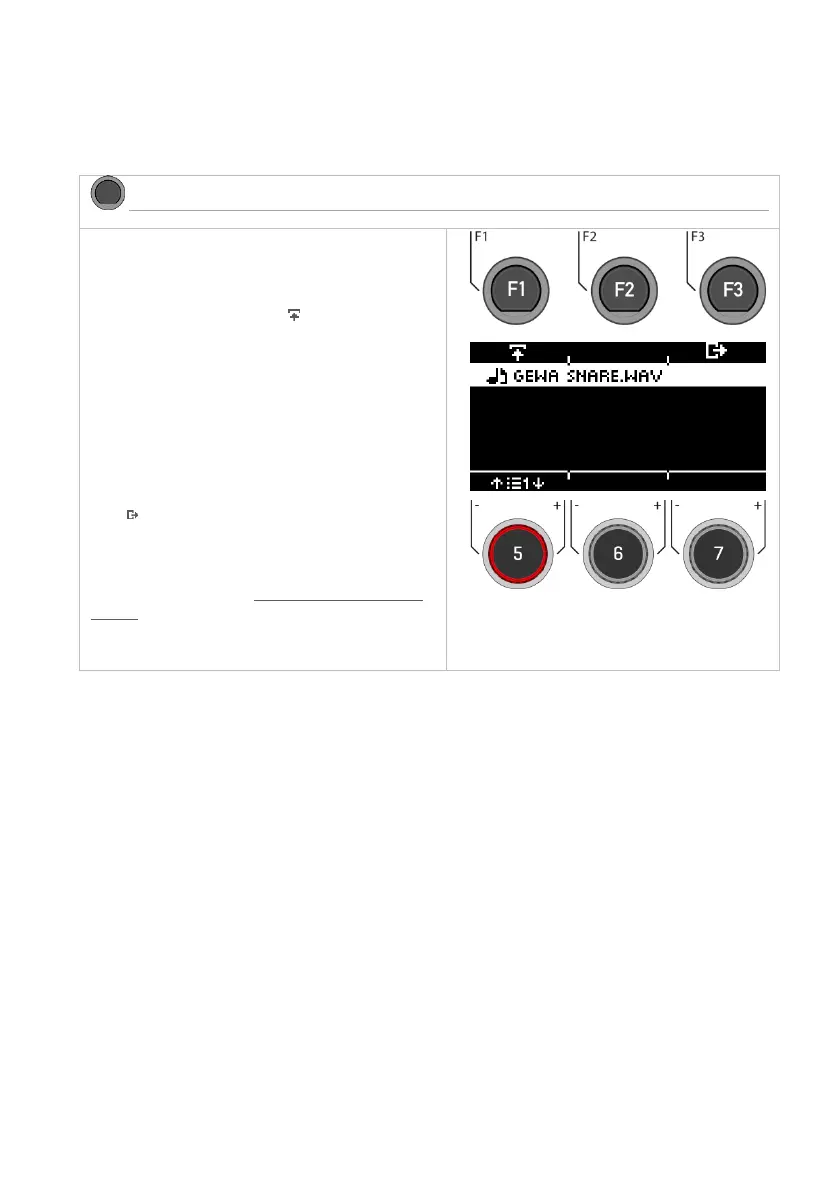
Select your sample with the dial [5] or the naviga-
tion keys [8]. Use the [PLAY/STOP] or [PREVIEW] key
to preview the sound.
Load the sample by pressing [F1] or [ENTER].
Name
After loading, you can give the file a new name to
make it easier to find the sample in the Instrument
menu.
Exiting the level
Press [F3 to exit the level or any menu key to exit
the entire menu.
For details on naming and Load/Save, please refer
to the relevant chapter: Loading and saving from
presets.



 To Next Page