G5 – Owner‘s Manual | 73
15 RECORD USB/SONG / PLAYER
In the "Player" section, you can load mp3 and wav files with a USB stick and play to the music or
record yourself directly with the "RECORD" function.
In the following chapters you can read about how the player and the record function are structured
and work.
To use the player functions, press the "USB/SONG" key [19].
15.1 SONGPLAYER
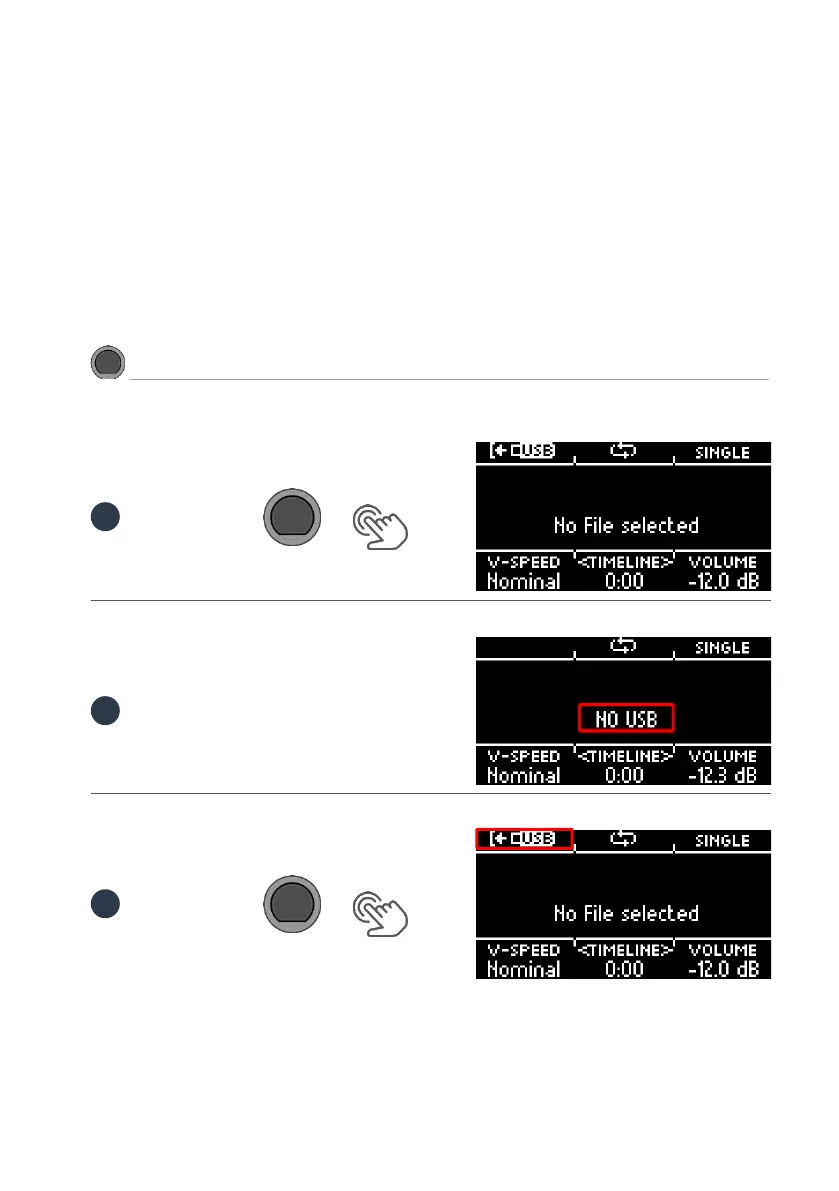
Insert a USB stick into the module.
Press the [19] [USB/SONG] key.
If no USB stick is inserted, the following message appears in the display:
Press [F1] to open the file manager.



 To Next Page