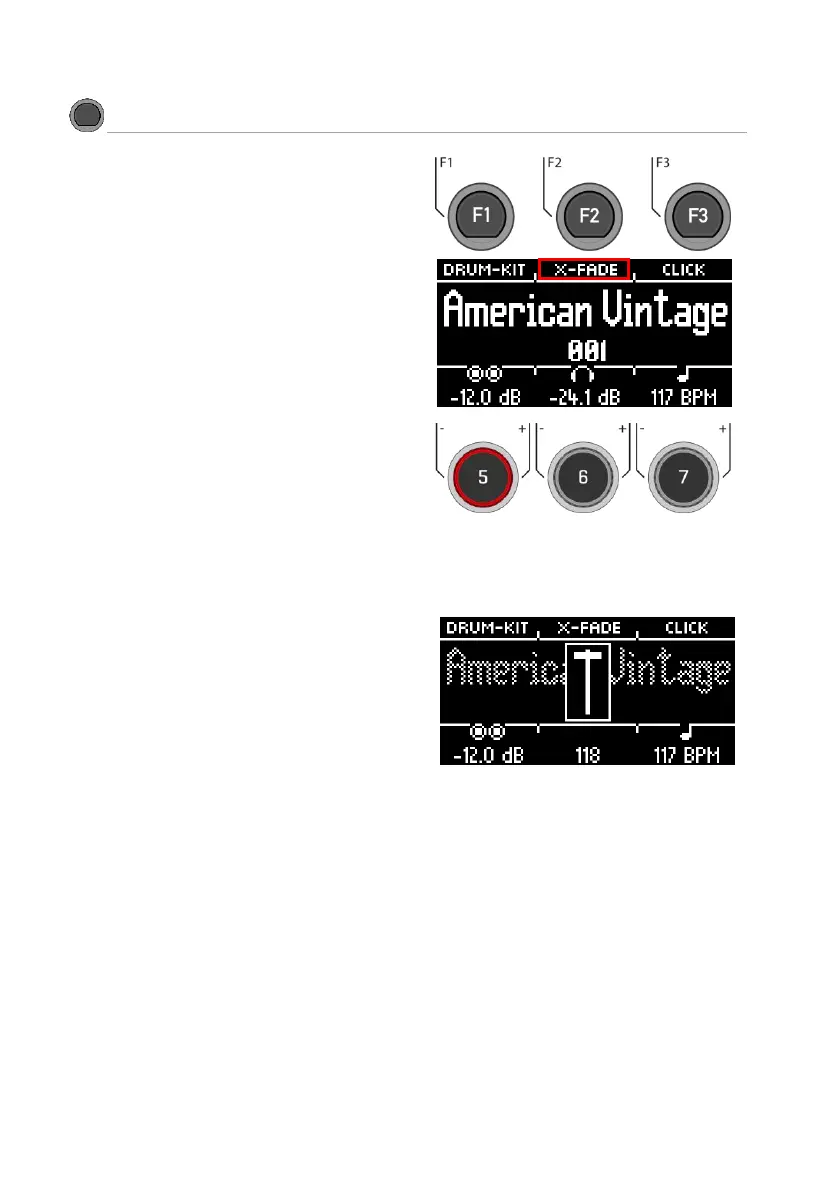
You can set a fixed or variable sound for the snare
rim by pressing the [F2] key several times:
1. Rimshot
2. X-Stick
3. X-Fade = A dynamically controlled
function that switches between a cross-
stick and a rimshot, depending on the
strength of the strike.
4. X-Fade EDIT = A window opens with a
fader. Now you can set the threshold
value that suits you with the dial [6]. The
window closes automatically after 2
seconds.



 To Next Page