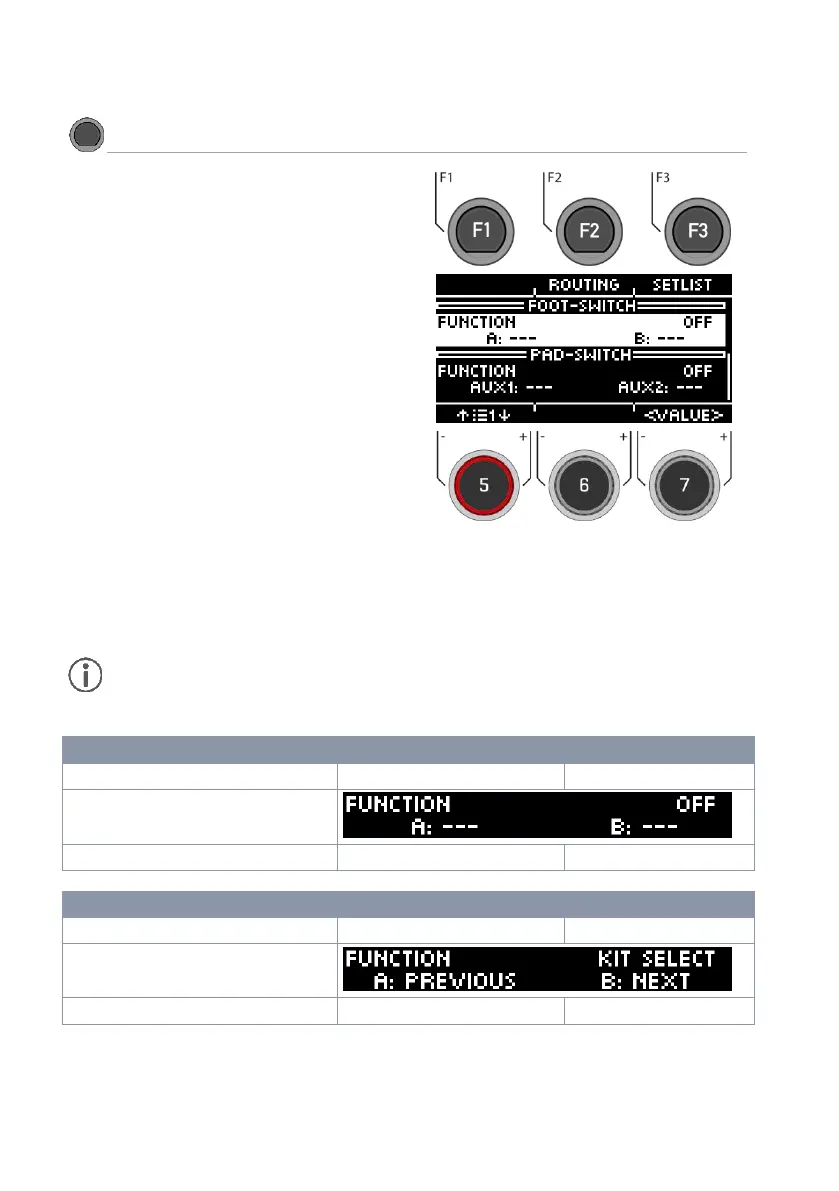
The G5 gives you two ways to switch functions
using a foot pedal or up to two external pads.
Foot switch
Connect a switch or button to the module. You
can choose between a stereo (A + B) or a mono
switch/key (B).
Pad switch
Connect one or two pads to the Aux1 (A) and
Aux2 (B) inputs.
Select switch
Use the dial [5] or the navigation keys [8] to select
between foot and pad switch.
Select function
Use the dial [7], the navigation buttons [8] or the
[+] and [-] keys to set the function.
Function
Press the button/switch 1x, then the corresponding
command is executed. If a key is assigned a
double function, a change takes place. E.g.
ON/OFF.
The functions of the foot switch and the pad switch are identical. You can use two foot
switches with one stereo cable. This way, all functions are available to you. If you use one
button/pad switch with a mono cable, then the command [B] is always executed.



 To Next Page