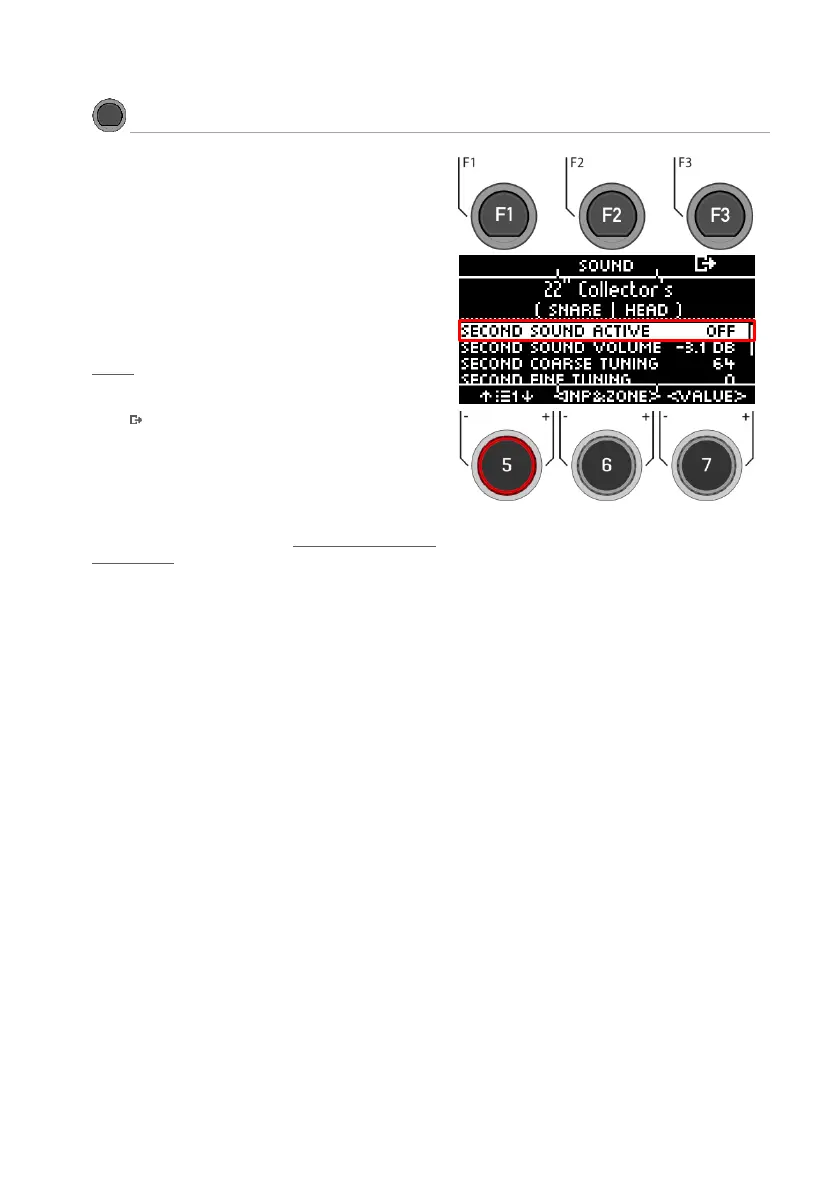
Second Sound (2nd Sound) allows you to place
another sound on top of a pad sound. When the
Second Sound is activated, both sounds are
played simultaneously.
To activate the 2nd Sound for your input, select
the menu item "SECOND SOUND ACTIVE" with the
dial [5] or the navigation key [8] and set it to "ON"
with the dial [7] [<VALUE>], the navigation key [8]
with [ENTER].
All setting options are identical to the main sound:
Sound
Press [F3] to exit the level or any menu key to
exit the entire menu.
To keep the settings, save the drum kit before
changing the drum kit preset.
For a detailed description of how to load, save
and overwrite presets, see: Loading and saving
from presets



 To Next Page