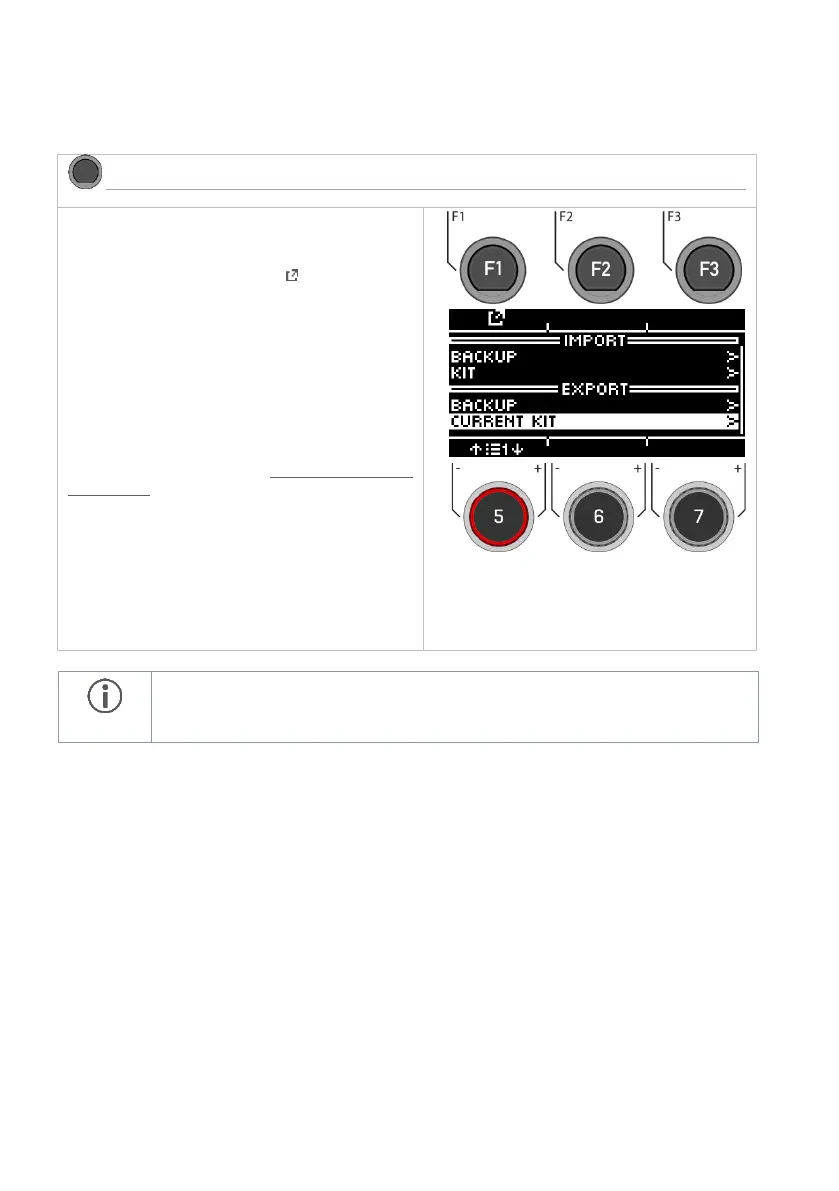
Creating the backup or kit
Select the corresponding menu with the dial [5] or
the navigation keys [8].
Open the menu by pressing the [F1] or [ENTER]
keys.
Naming the backup or kit
In the next step, you will be asked to enter a file
name.
For a detailed description of how to load, save
and overwrite presets, see: Loading and saving
from presets.
Only the currently loaded kit is saved. Please repeat the export procedure accordingly
for other kits. Factory presets are automatically saved as a backup in the unit and do
not need to be exported.



 To Next Page