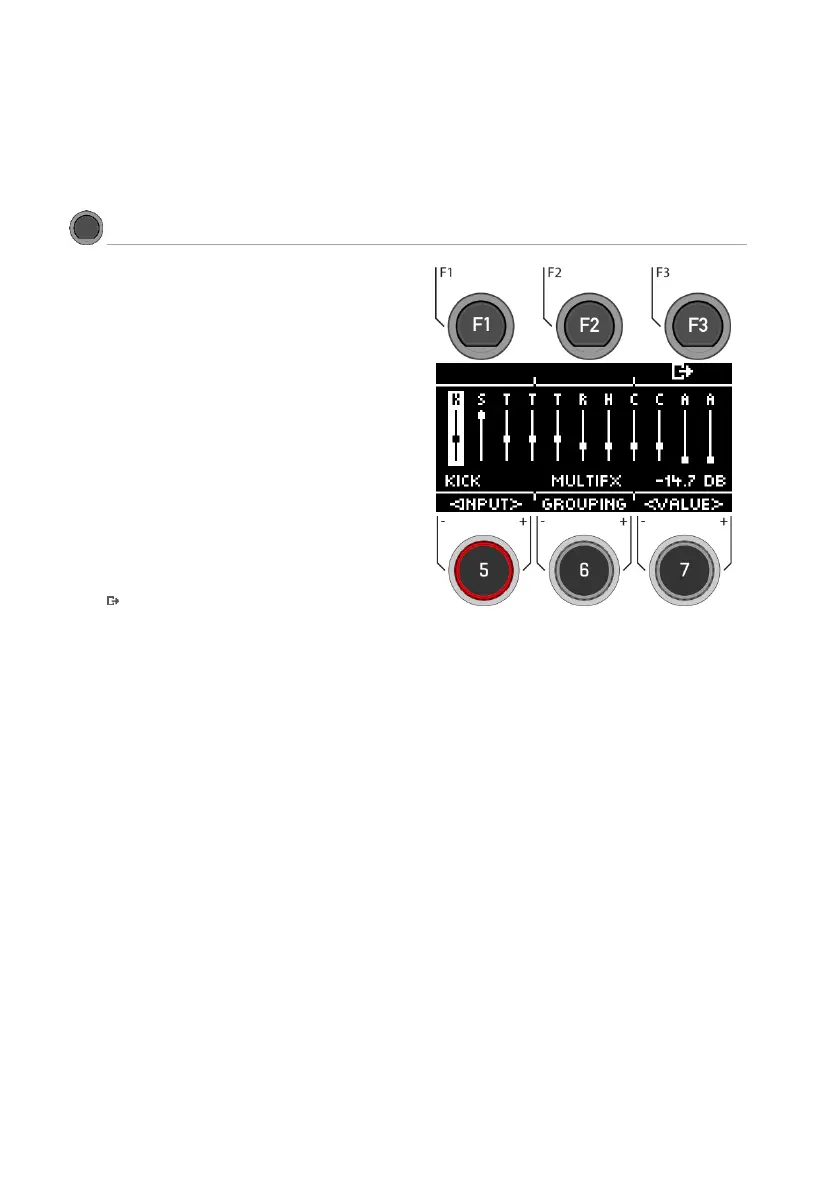
Via [FX Send], you can specifically switch the
effect to each channel.
Select channel
Use the dial [5] [<INPUT>] or the navigation keys [8]
to select the channel you want to change the
volume of.
Change volume
Use the dial [7] [<VALUE>], the navigation keys [8]
or the [+] & [-] buttons to change the volume.
Grouping
Turn the dial [6] and activate the GROUPING
function. Now you have the possibility, when
selecting the tom and cymbal channels, to adjust
them up or down together as one unit.
Exit the level
Press [F3] to exit the level or any menu key to
exit the entire menu.



 To Next Page